%201.svg)
How AI Improves Debugging in Cloud Testing


When debugging in cloud environments, AI tools are changing the game by solving problems faster, reducing complexity, and improving accuracy. Distributed systems often generate overwhelming amounts of logs, metrics, and traces, making manual debugging slow and inefficient. AI-powered solutions streamline this process by analyzing data, spotting patterns, and identifying root causes automatically.
Key highlights include:
- Log Analysis: AI automates bug detection by grouping related errors, filtering noise, and linking logs to specific code areas.
- Anomaly Detection: AI monitors system behavior to detect subtle issues before they escalate.
- Root-Cause Automation: AI reconstructs failure events, automates repetitive tasks, and delivers actionable insights.
- Integration with Workflows: Tools like Ranger enhance CI/CD pipelines with real-time alerts and automated test creation.
AI debugging drastically reduces the time engineers spend troubleshooting, allowing teams to focus on delivering reliable software. Tools like Ranger combine AI capabilities with human oversight, ensuring accuracy and efficiency in cloud testing workflows.
Debugging Production Issues with AI Agents
sbb-itb-7ae2cb2
AI Techniques That Improve Cloud Testing Debugging
AI has introduced a trio of techniques that are reshaping how teams address failures in distributed cloud systems. These methods tackle challenges that make manual debugging overwhelming and inefficient in large-scale environments.
Log Analysis and Correlation
AI excels at grouping related errors - such as different timeout messages - and linking logs to specific parts of the source code, including functions, file paths, and commit SHAs. This process filters out irrelevant noise, making it easier to pinpoint genuine anomalies. For instance, if one microservice logs "connection failed" while another logs "query timeout", AI identifies these as variations of the same root issue. This is a game-changer for modern systems that generate millions of log entries, where manual analysis simply isn't feasible.
Beyond just clustering errors, AI can also predict deviations from expected behavior, setting the stage for proactive problem-solving.
Anomaly Detection and Failure Prediction
By learning what "normal" looks like for metrics like response times, resource usage, and throughput, AI can spot subtle deviations early. It even assigns risk scores to highlight potential performance issues before they escalate. Hari Mahesh from testRigor highlights this shift:
"AI radically changes Root Cause Analysis by getting to know the normal behavior of a system and finding minor deviations from that baseline much earlier than legacy threshold-based monitoring".
These early warnings pave the way for more precise root-cause analysis, saving valuable time and resources.
Automated Root-Cause Analysis
AI takes over repetitive tasks like log collection, test reruns, and cross-service correlation, reconstructing the sequence of events that lead to failures. This automation allows engineers to focus on resolving the issue rather than sifting through raw data. For example, when a test fails, AI agents can determine if the failure is reproducible or just a flaky test, delivering structured insights instead of overwhelming engineers with unprocessed logs.
AI achieves about 80% accuracy in identifying root causes. As Ole Lensmar, CTO of Testkube, puts it:
"Repetitive test failure investigation is now automated. The part that requires judgment, the investigation that actually benefits from a senior engineer looking at it, remains for your team".
These AI-driven approaches significantly simplify debugging in cloud environments, aligning with Ranger's goal of delivering fast and dependable testing results that improve engineering velocity.
How to Implement AI Debugging with Ranger
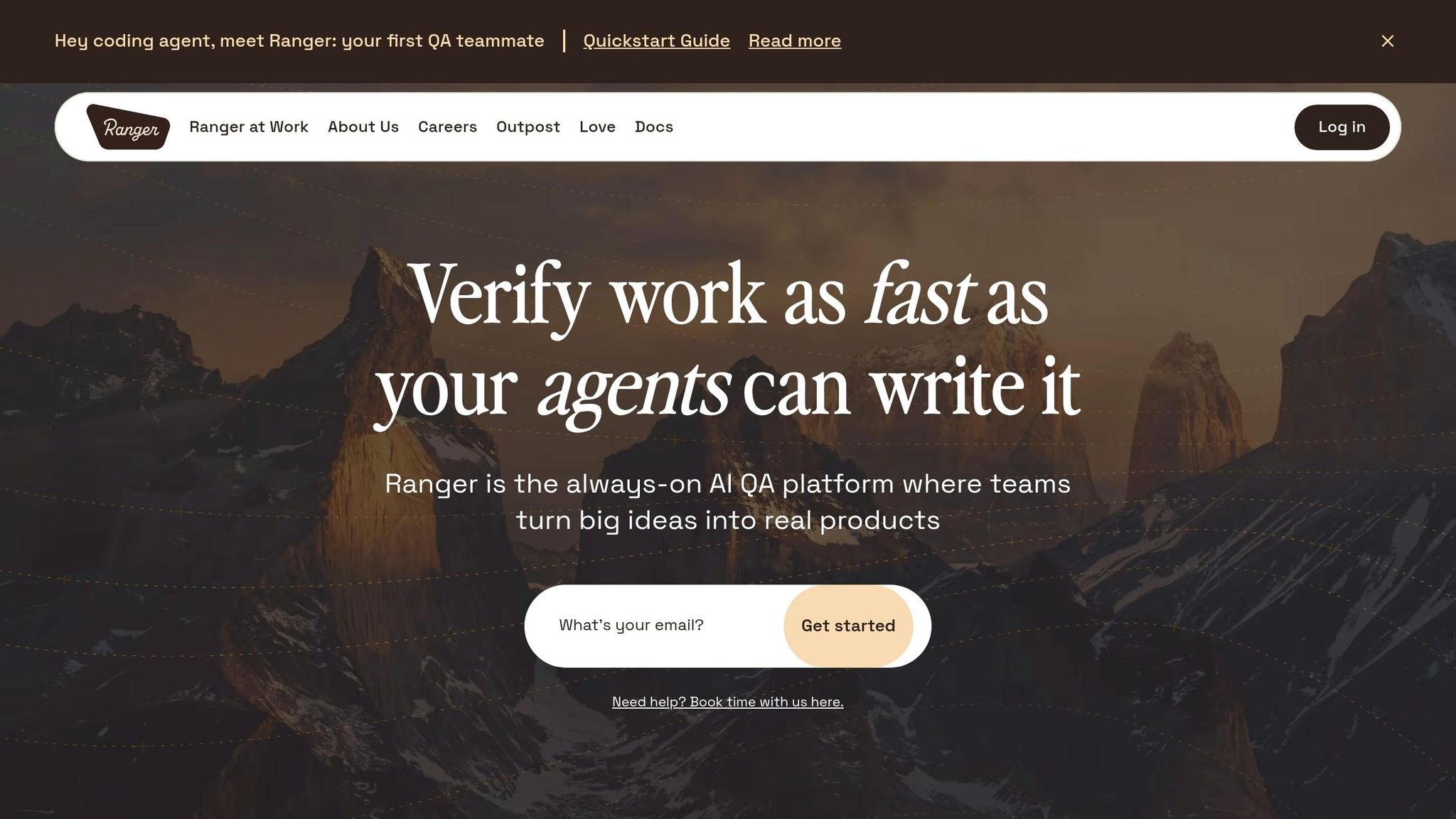
Here's a practical guide to implementing AI debugging using Ranger. By integrating Ranger into your cloud development workflow, you can combine the strengths of AI-driven test generation with human oversight. Ranger connects seamlessly with platforms like GitHub and Slack, delivering real-time alerts to help you catch bugs before they hit production. Follow these steps to incorporate Ranger into your cloud CI/CD workflow.
Step 1: Connect Ranger to Your Cloud CI/CD Workflow
Start by linking Ranger to your GitHub repository. This enables automated test runs on code changes, with results displayed directly in GitHub pull requests. Developers can immediately identify potential issues. Next, integrate Ranger with your Slack workspace to ensure team members are notified instantly when anomalies or test failures occur. Ranger also offers a CLI and Cloud Code plugin, allowing AI coding agents - like Claude - to interact with Ranger's QA agents during development. Configure Ranger to test your staging and preview environments, catching bugs early in the process.
Step 2: Automate Test Creation and Maintenance
After integrating Ranger, take automation further. Ranger's web agent can generate Playwright tests automatically as you navigate through your application, eliminating fragile scripts that often break with UI updates. Use ranger enable to initialize the system and ranger adm local to log in and set up an authentication profile. AI writes the initial test code, while human QA experts review it to ensure clarity and dependability.
"Ranger has them covered in the blink of an eye... They make it easy to keep quality high while maintaining high engineering velocity."
- Martin Camacho, Co-Founder, Suno
Step 3: Automate Bug Triaging and Anomaly Detection
Ranger's AI helps reduce noise by filtering out flaky tests and highlighting the most critical issues. It scans logs and runtime data to identify problematic modules, assigning priority levels based on risk. This automated triaging eliminates the need for manual review of every failure. With 84% of DevOps teams already using automated testing in their CI/CD pipelines, AI is expected to cut manual testing efforts by 45% by the end of 2026.
Step 4: Use Real-Time Signals to Identify Root Causes
When something goes wrong, Ranger's AI agents quickly correlate data across cloud regions and services to pinpoint the root cause. Use the ranger go command to activate sub-agents that verify tasks in the background and flag errors as they occur.
"Now, with Ranger: 1) Agent goes off for a while, and when it's done automatically calls Ranger's QA agents to test the feature. 2) Any error is immediately flagged back to the agent, without interruption."
- Josh Ip, Founder, Ranger
Step 5: Combine AI Insights with Human Oversight
While AI handles much of the heavy lifting, human review remains essential for refining test reliability. Review screenshots of test runs in Ranger's UI and use ranger resume to provide feedback. Ranger can also generate detailed GitHub pull request descriptions, complete with checklists and screenshots of passed or failed scenarios, making the final review process more efficient.
"We love where AI is heading, but we're not ready to trust it to write your tests without human oversight. With our team of QA experts, you can feel confident that Ranger is reliably catching bugs."
- Ranger
AI Debugging vs Manual Debugging

AI-Powered vs Manual Debugging: Speed, Accuracy, and Scalability Comparison
When you compare AI-powered debugging to traditional manual methods, the differences in efficiency and effectiveness are striking.
With manual debugging, developers often need to sift through code and scattered logs, a process that can eat up 35% to 50% of their time. This method becomes even more challenging in cloud-native environments, where transient infrastructure and dispersed logs, metrics, and traces make it difficult to piece together the full picture. Manual debugging often identifies symptoms of a problem but can fall short when it comes to pinpointing the root cause. These limitations highlight why AI has become a game-changer.
AI debugging flips the script by proactively analyzing code, connecting various signals, and flagging potential issues early - before they escalate into user-facing problems. This proactive approach is a key reason why AI QA prevents late-stage bugs that are often missed during manual reviews. AI tools have been shown to cut bug resolution times by 40–60% and overall debugging time by as much as 90%. For example, Leap CRM reported a 45% reduction in bug resolution time in January 2026 after adopting AI-driven root cause analysis.
While manual debugging might take hours or even days, AI can often solve complex issues in just minutes. A great example of this is Databricks, where engineers now use natural language queries to quickly identify which workspace is causing high load or to correlate IOPS spikes with schema migrations. Previously, these tasks required navigating multiple dashboards and deep technical expertise.
"AI is no longer a futuristic concept - it's an indispensable partner that empowers developers to spend less time debugging and more time innovating."
- Vaibhavsuman, Software Developer
AI also shines in test maintenance. Automated tests in traditional workflows often fail after minor UI changes, requiring time-consuming manual updates. AI-powered self-healing, on the other hand, detects these changes and automatically adjusts the test steps. This feature significantly reduces the workload for QA teams. Ranger’s integration of AI-driven analysis with human oversight exemplifies how these tools can streamline debugging and testing workflows to make them faster and more reliable.
Here’s a quick comparison of the two approaches:
Comparison Table: AI Debugging vs Manual Debugging
| Metric | Manual Debugging | AI-Powered Debugging |
|---|---|---|
| Speed | Slow; resolving complex issues can take hours or days | Fast; resolves issues in minutes using automated analysis |
| Accuracy | Prone to human error; subtle bugs in complex systems are often missed | Highly accurate; uses machine learning to correlate fragmented cloud data |
| Scalability | Limited; requires more experts as system complexity increases | Scalable; handles thousands of logs and distributed microservices efficiently |
| Approach | Reactive; starts after a failure occurs | Proactive; predicts and flags issues before they cause problems |
| Test Maintenance | Labor-intensive; frequent manual updates needed for UI/API changes | Low effort; self-healing scripts adjust automatically |
| Context | Fragmented; requires toggling between logs, metrics, and traces | Unified; correlates signals across all layers in one interface |
This comparison underscores how AI debugging not only saves time but also minimizes errors and scales effortlessly with system complexity.
Best Practices for AI Debugging in Cloud Testing
To make the most of AI debugging in cloud testing - like what’s achieved with Ranger - here are some essential practices to follow.
Keep Models Updated and Use Human Oversight
AI tools are only as effective as the models powering them. Regular updates and high-quality training data are crucial, but they work best when combined with human oversight. This collaborative approach can lead to an 88% reduction in maintenance efforts and 10x faster processes, provided that AI training is treated as an ongoing, iterative process. Monitoring results and refining rules consistently is key.
While AI can efficiently verify if code functions correctly, it often struggles to determine whether the code aligns with user needs. This is where human judgment becomes indispensable. For example, 67% of developers report spending more time debugging AI-generated code than anticipated. To address this, you can adopt a "three-strikes" policy: if AI fails to regenerate accurate code after three attempts, revert to manual development.
Additionally, integrating static analysis tools like SonarQube or CodeRabbit can act as a first line of defense. These tools help identify structural flaws and security vulnerabilities early in the process, saving time and effort.
Managing Multi-Cloud Environments
When working across platforms like AWS, Azure, and GCP, centralizing observability is a game-changer. Real-time data views are essential, and tools that unify traces, metrics, and logs into one searchable interface make this possible. Using S3-compatible storage simplifies data movement and ensures easy access to artifacts, no matter the cloud provider.
"Multi-cloud platform observability-driven debugging is the difference between finding a needle in a field and knowing exactly where to dig."
- Hoop.dev
Standardizing deployment with containers and Kubernetes can significantly reduce challenges in scaling test automation and compatibility headaches when moving AI workloads between different infrastructures. On the security side, aggregating alerts and automating their analysis across cloud providers ensures quick responses and consistent enforcement of policies. Placing training data closer to machine learning workloads and leveraging caching can also help cut down on latency issues.
Monitoring Performance During High-Load Scenarios
To maintain system resilience during peak usage, proactive measures are a must. Set up automated alarms to catch compliance violations and performance drops early. This ensures that your hosted environments remain compliant and functional, even under stress.
Using DataOps and MLOps pipelines can help monitor data quality and detect model drift automatically. Stress testing is another critical step - simulate error scenarios like network failures or invalid inputs to assess whether AI-generated exception handling holds up under pressure. These edge cases are often overlooked during routine testing.
Lastly, configure your CI/CD pipelines to enforce strict quality standards. For instance, fail builds if AI-generated code doesn’t meet 85–90% line coverage or if it contains severe security flaws. This ensures your debugging tools remain reliable, even during high-load situations.
Conclusion
AI-powered debugging is reshaping how teams approach cloud testing, making it easier to manage complexity and achieve faster results. Organizations leveraging these tools often experience a 20–40% reduction in debugging time, which directly boosts deployment frequency. The impact on business outcomes is striking: 85% of organizations using AI in testing report better defect detection rates, reducing production bugs by 40%.
Platforms like Ranger stand out by blending AI automation with human oversight, striking a balance between speed and precision. This combination tackles the big challenges head-on: AI processes massive volumes of log data in seconds, predicts potential failures, and prioritizes bugs automatically. Meanwhile, engineers play a key role in validating decisions and maintaining quality standards.
This shift to AI-driven debugging isn't just about fixing bugs faster - it’s about creating scalable workflows that thrive in modern cloud environments. Teams can manage larger testing demands, uphold quality across complex multi-cloud systems, and roll out new features quickly without compromising reliability.
The growing complexity of cloud environments makes manual debugging increasingly impractical. With 62% of DevOps teams planning AI debugging investments by 2025, it's clear that automation, paired with human expertise, is the way forward. Teams adopting these tools today are setting themselves up to deliver better software, all while freeing engineers from the time-consuming task of chasing down bugs.
FAQs
What data does AI need to debug cloud test failures?
AI relies on various types of data - like logs, network traffic, screenshots, API traces, and system metrics - to pinpoint and address cloud test failures effectively. These inputs allow AI-driven tools to analyze problems swiftly and deliver practical insights that make debugging faster and more efficient.
How do I trust AI root-cause results without missing real bugs?
AI tools excel at sifting through massive data sets to pinpoint the root causes of failures. They learn what "normal" looks like and flag anomalies that deviate from that baseline. While this approach is highly efficient, it’s not flawless - false positives can occur. That’s why combining AI with human oversight is so important.
AI brings speed and unmatched pattern recognition to the table, but human experts are essential for reviewing and validating the results. This partnership ensures that critical issues are identified accurately and real problems aren’t overlooked. By blending AI’s capabilities with human judgment, you can confidently rely on its insights while ensuring genuine bugs are caught.
What’s the fastest way to add Ranger to my CI/CD pipeline?
Integrating Ranger into your CI/CD pipeline is a straightforward way to enhance automation. By connecting it with tools like GitHub and Slack, you can ensure smoother workflows and quicker communication. Its AI-driven root cause analysis helps pinpoint test failures and resolve issues in just minutes, saving valuable time. Plus, Ranger’s automated testing features simplify bug detection and resolution, cutting down on manual work and speeding up your testing process.
Related Blog Posts
Stop babysitting your coding agents. Use Ranger
%201%20(1).svg)
More signals, less noise, faster launches
Let Ranger be your guide to sustainable QA testing.

.png)