%201.svg)
AI Root Cause Analysis for Test Failures: How It Works

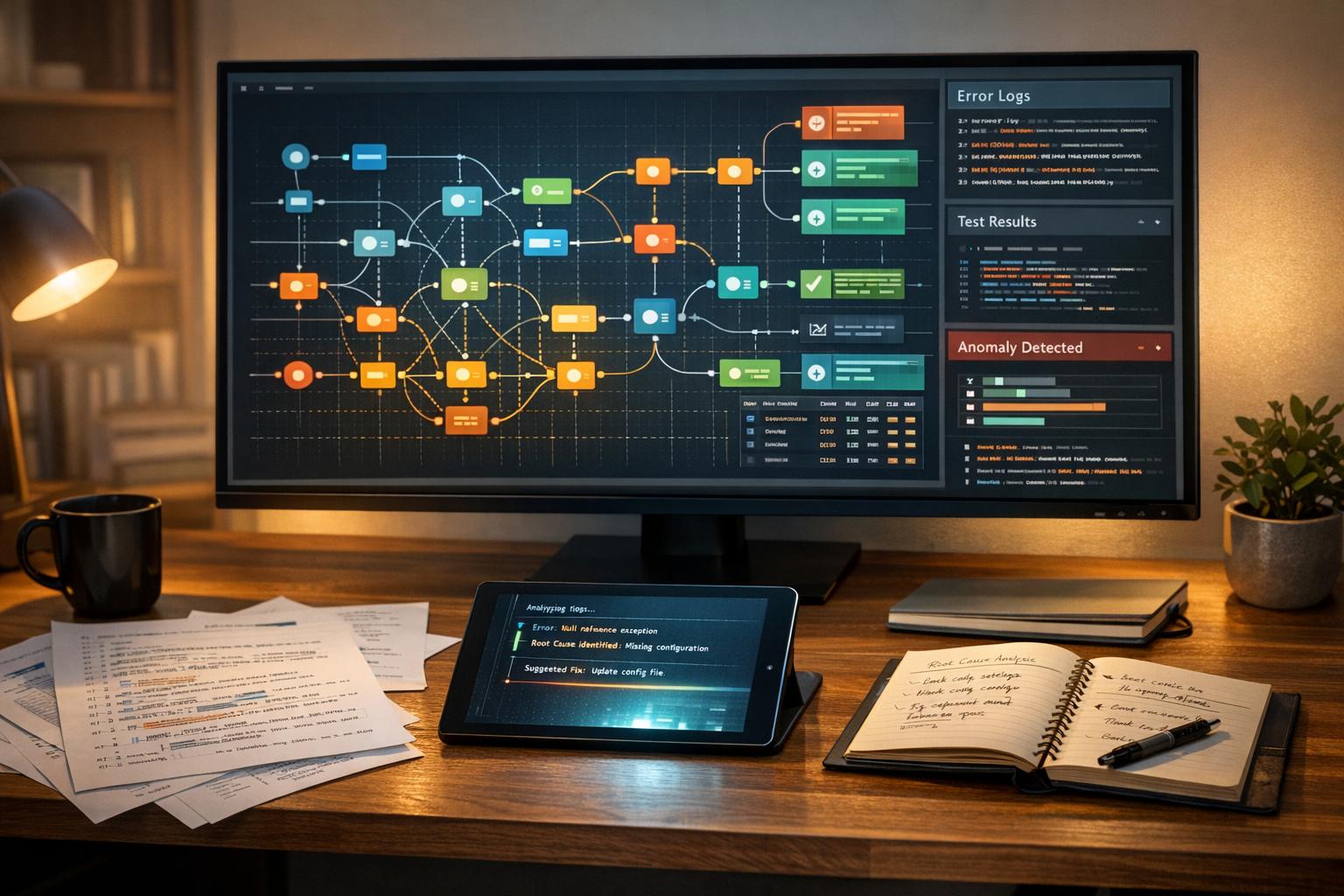
AI Root Cause Analysis (RCA) transforms debugging by automating the identification of test failure causes. It analyzes data like logs, network traffic, and screenshots to pinpoint issues such as UI changes, expired certificates, or system crashes. This approach drastically reduces debugging time - often by up to 75–80% - and helps teams resolve issues in minutes instead of hours or days.
Key Takeaways:
- Faster Debugging: AI RCA categorizes failures (e.g., product bugs, flaky tests, environment issues) and provides actionable insights in under five minutes.
- Data-Driven Analysis: It uses logs, API traces, and visual data to identify patterns and anomalies.
- Hybrid Tools like Ranger: Combines AI with human expertise to triage issues, suggest fixes, and streamline workflows through integrations with platforms like GitHub and Slack.
By integrating AI RCA into QA process optimization efforts, teams can save hundreds of hours annually, reduce repetitive failures, and focus on building better software.
Key Components of AI Root Cause Analysis
Core Goals of AI RCA
AI Root Cause Analysis (RCA) is designed to separate genuine defects from temporary or flaky issues - like distinguishing database pool exhaustion from cascading timeouts. This process can slash debugging time by 75% and cut issue recurrence rates by nearly half. By spotting patterns across multiple builds, AI provides immediate, actionable insights, eliminating the need for tedious manual log reviews.
Organizations using AI-driven RCA have seen issue resolution times improve by 50%. This evolution in debugging tools, including the rise of the fully-automated QA engineer, is reshaping how teams diagnose and understand software failures.
"AI-powered Root Cause Analysis represents more than just an incremental improvement in testing tools; it embodies a fundamental shift toward intelligent systems that can understand and explain software failures." – Vaibhav Kulshrestha
Data Sources for AI RCA
AI systems rely on a wealth of automatically gathered data at the moment a failure occurs. This includes:
- Logs: Test logs, application logs, CI console logs, and stack traces provide details like transaction IDs and database deadlocks.
- Visual Data: Screenshots, video recordings, and DOM snapshots help identify UI element shifts and rendering glitches.
- Network Traffic: API call traces and response codes reveal issues like third-party service instability or latency.
- Version Control Integration: Analyzing code diffs and commit histories connects specific failures to recent code changes.
- Environmental Context: Information such as browser versions, operating systems, and network conditions helps differentiate between environmental problems and actual software bugs.
AI's ability to analyze logs can detect 40% more issues than traditional monitoring tools by spotting anomalies before they become full-blown test failures. This comprehensive data collection allows AI to cluster, classify, and interpret failures with remarkable precision.
AI Techniques in RCA
The diverse data collected powers a range of AI techniques that bring clarity to software failures. Here's how they contribute:
| AI Technique | Role in Root Cause Analysis |
|---|---|
| Clustering | Groups similar defects to uncover patterns and systemic issues. |
| Anomaly Detection | Spots unusual patterns in logs or performance metrics that deviate from expected behavior. |
| Computer Vision | Examines screenshots and videos to identify visual inconsistencies and rendering problems. |
| NLP | Translates technical error messages and logs into user-friendly explanations. |
| Classification | Categorizes failures into buckets like "Product Bug", "Flaky Test", or "Environment Issue". |
These methods work together to streamline the debugging process, offering teams a clearer and faster path to identifying and resolving software issues.
Preparing Your Test Environment for AI RCA
Establishing Data Consistency and Quality
For AI-based Root Cause Analysis (RCA) to work effectively, it all starts with clean, reliable data. Use standardized naming conventions for tests, builds, and tags, and implement structured logging enriched with metadata. This ensures failures are accurately categorized and tracked.
Consistent metadata and identifiers for all test elements are key. When UI elements have stable and unique locators, the AI can differentiate between actual bugs and minor UI updates. This standardization also allows the system to cluster failures with similar stack traces or error messages, making it easier to spot when one root cause impacts multiple tests.
Once this groundwork is in place, address legacy QA bottlenecks and configure your CI pipelines to collect and relay this data seamlessly for AI-driven analysis.
Configuring CI Pipelines for AI RCA
Your CI pipelines play a crucial role in gathering the data AI needs. Set them up to capture logs, screenshots, DOM snapshots, network traffic, system metrics, and any code changes at the time of failure. Providing access to Git history and code diffs enables the AI to link failures to specific commits. If you're using tools like Cucumber.js or Playwright, make sure to capture step-by-step details to pinpoint the exact moment things break.
For added efficiency, use API tokens (like CircleCI personal API tokens) to directly pull structured failure logs. In cases where tests run in parallel or across distributed environments, consolidate all videos, screenshots, and network logs into a unified timeline. This setup ensures the AI has the complete context it needs for accurate RCA.
Centralizing Data with Ranger
The final step is centralizing all this data, and that’s where Ranger comes in. Ranger automates test execution by spinning up browsers for consistent staging and preview runs. It pulls together logs, screenshots, and network data into a single platform, eliminating the need for manual searches across multiple systems. Integrations with tools like GitHub and Slack make it easy to consolidate data and keep workflows smooth, allowing the AI to analyze failures in the background without slowing down engineering efforts.
"Ranger handles the infrastructure setup for running tests, spinning up browsers to run quick and consistent tests for your team." – Ranger
AI Native Test Intelligence For Smarter Test Analysis
How AI Root Cause Analysis Works in Practice

How AI Root Cause Analysis Works: 3-Step Process from Detection to Resolution
Test Failure Detection and Data Collection
AI systems seamlessly integrate into CI/CD pipelines through APIs or other connections, enabling instant analysis as soon as a test fails. When a failure occurs, the AI gathers a detailed context package in real time, capturing everything needed for a thorough investigation .
These systems actively monitor test executions to catch anomalies like SLA breaches and process deviations before they snowball into bigger problems. One key feature is the "Failed vs. Last Good" comparison, which pinpoints differences between the current failure and the last successful test run . Using advanced natural language processing, the AI sifts through massive amounts of log data in seconds, cutting through the noise to identify critical error patterns and transaction IDs. Considering that organizations often spend 40–60% of their QA time diagnosing test failures, AI-driven root cause analysis can slash debugging time by 75% and speed up issue resolution by 50%.
This real-time data collection lays the foundation for efficient failure categorization and prioritization.
Failure Clustering and Classification
After collecting the data, the AI employs machine learning and natural language processing to group failures by identifying recurring patterns in error messages, stack traces, and metadata . By comparing current failures with historical data, it determines whether an issue is new, ongoing, or a regression . This clustering approach helps teams focus on fixing the most pressing problems instead of chasing isolated symptoms.
Failures are categorized into clear, actionable groups:
| Category | Description | Typical Indicators |
|---|---|---|
| Product/Genuine Defect | A real bug in the application code | Assertion failures, unexpected UI changes, 500-series errors |
| Automation/Script Issue | Problems in the test script itself | Locator/selector changes, outdated test data, syntax errors |
| Environment Issue | Failures caused by infrastructure or dependencies | Network timeouts, database connection issues, DNS failures |
| Flaky Tests | Inconsistent, non-deterministic failures | Timing issues, race conditions, asynchronous loading delays |
| App Data Issue | Missing or incorrect test data | 404 errors for specific resources, "User Not Found" messages |
Providing specific instructions about known environment-related quirks - like database lag during peak hours or third-party API rate limits - can further improve the accuracy of these classifications.
Once failures are categorized, the AI moves on to uncover the root cause and provide actionable insights.
Root Cause Inference and Explanation
Building on its clustering and classification work, the AI identifies the root cause by separating primary issues from secondary symptoms. This ensures teams focus on what really matters, avoiding wasted effort on irrelevant details. The system creates a chronological error timeline, mapping out the sequence of events leading to the failure. For example: Navigate → Fill Form → Click Submit → Connection Timeout.
Take this real-world scenario: a contact creation test failed due to a full database connection pool. The AI generated a timeline showing the form submission followed by a 26-second delay before timing out. The suggested fix? Increase the Hikari connection pool size to 50.
"AI-powered root cause analysis obliterates this investigative burden by automatically diagnosing test failures and providing actionable insights within seconds." – Virtuoso QA
The AI doesn’t stop at diagnosis - it also suggests specific remediation steps. These might include code snippets for retry logic, configuration tweaks, or recommendations for scaling infrastructure. Developers play a key role here, reviewing AI-generated insights and offering feedback through "Special Instructions" to continually refine the system’s accuracy.
sbb-itb-7ae2cb2
Maximizing the Value of AI RCA Insights
Integrating AI RCA into Workflows
AI root cause analysis (RCA) delivers the most impact when seamlessly integrated into your team's daily routines. By automatically categorizing failures - like "Product Bug", "UI Change", or "Environment Issue" - and assigning them to the right team, it removes the guesswork about who needs to step in. Developers can tackle logic errors, QA engineers handle selector updates, and DevOps teams address infrastructure concerns. This automated triage ensures tasks go straight to the people best equipped to solve them.
Some modern tools take it a step further by embedding RCA insights directly into your development environment. For instance, developers can request fixes right from their IDE, while some platforms can instantly trace a failure back to a specific code change. These features streamline collaboration and reduce time wasted on context-switching. Plus, this integration creates a feedback loop, allowing user input to continuously improve the AI model.
Improving AI Accuracy Through Feedback
AI systems thrive on feedback, and their accuracy improves when engineers review and refine their findings. For example, if the AI mistakenly labels a legitimate bug as a flaky test, flagging that error helps fine-tune the model over time. Adding specific instructions, like "Database may experience delays during peak hours (9 AM–5 PM EST)", can also provide valuable context that enhances the AI's ability to interpret and categorize issues.
Customization is another key to making AI RCA work for your team. Instead of relying on generic failure categories, teams can define labels that align with their architecture, such as "Authentication Token Expiration" or "API Timeout Errors". This tailored approach ensures the AI uses terminology your team understands and organizes failures in a way that aligns with your workflow.
Using Trends to Improve Test Suites
AI RCA doesn't just help with individual failures - it can also highlight patterns that reveal deeper issues. By tracking RCA category trends, teams can spot recurring problems that need more robust solutions. For instance, if "UI Element Not Found" errors keep cropping up despite fixes, it might be time to overhaul your selectors or implement stronger wait-for-element logic.
The efficiency gains from AI RCA are hard to ignore. Teams report diagnosing most issues in under 5 minutes, compared to the hours or even days manual methods often require. Debugging time is slashed by 75-80%, and effective RCA processes can cut repeat failure rates to below 5%. These improvements free your team to focus on what truly matters - building features instead of chasing down bugs. Even better, identifying a shared root cause can allow a single fix to resolve multiple related failures at once.
Implementing AI RCA with Ranger
Connecting Pipelines and Repositories
Ranger takes the hassle out of test automation by managing the entire setup and maintenance process for you. With a dedicated team of QA experts handling the configuration, you can focus on your testing goals while they ensure everything runs smoothly in the background.
The integration process revolves around three main touchpoints: GitHub for your code, staging or preview environments for testing, and Slack for communication. Once connected to GitHub, Ranger automatically runs tests whenever code is pushed, while also managing the necessary staging browsers and infrastructure.
This setup creates a perfect balance between AI-driven efficiency and the precision of human oversight.
Leveraging AI and Human Oversight
Ranger uses a "cyborg" model that combines the power of AI with human expertise. The AI generates Playwright tests, which are then reviewed by QA experts to ensure they meet high-quality standards. When a test fails, the AI steps in to triage the issue, while the QA team confirms bugs before notifying your team.
"Ranger is a bit like a cyborg: Our AI agent writes tests, then our team of experts reviews the written code to ensure it passes our quality standards." – Ranger
This hybrid approach has delivered real-world results. Customers report saving over 200 hours per engineer annually by delegating repetitive testing tasks to Ranger. As Brandon Goren, a Software Engineer at Clay, shared, "Ranger has an innovative approach to testing that allows our team to get the benefits of E2E testing with a fraction of the effort they usually require."
Streamlining Collaboration with Integrations
Ranger's Slack integration keeps your team in the loop with real-time test alerts. When a failure is confirmed, key stakeholders - whether developers, QA engineers, or DevOps - can be tagged for immediate action. Meanwhile, its GitHub integration posts test results directly in pull requests, giving developers instant insights into their code changes.
Conclusion: Improving QA with AI Root Cause Analysis
AI-driven Root Cause Analysis (RCA) transforms debugging from a time-consuming chore into a quick, efficient process. Instead of spending hours hunting for issues, engineers receive precise insights that point directly to the problem - whether it’s tweaking selectors or adjusting retry logic. This speed boost helps teams maintain their engineering momentum without compromising the quality of their products.
But the true potential of AI RCA lies in its integration into a well-structured environment. Combining the rapid analysis of AI with human expertise ensures that only genuine issues are flagged, while noise from flaky tests or environmental inconsistencies is filtered out. Ranger’s hybrid approach exemplifies this by delivering clear, actionable signals that focus on real bugs.
For successful implementation, teams need integrated pipelines, consistent data collection, and seamless workflow connections through tools like Slack and GitHub. As noted earlier, centralizing data and connecting workflows directly enhances QA outcomes, enabling smoother operations and better results.
Martin Camacho, Co-Founder at Suno, highlighted this impact: "They make it easy to keep quality high while maintaining high engineering velocity. We are always adding new features, and Ranger has them covered in the blink of an eye."
FAQs
How does AI root cause analysis distinguish between real defects and flaky test issues?
AI-driven root cause analysis leverages machine learning to sift through patterns in test failures. By examining the connection between recent code changes and historical test outcomes, it pinpoints recurring failures tied to specific changes as actual defects. Meanwhile, failures that pop up sporadically, without any code changes or clear patterns, are marked as flaky issues.
This method allows teams to concentrate on fixing real issues while cutting down the time wasted on unreliable test results.
Why is data consistency important for AI-driven root cause analysis?
Data consistency plays a crucial role in the success of AI-driven root cause analysis (AI RCA). When information like logs, test results, code changes, and environment details are recorded in a clear and standardized way, AI systems can effectively detect patterns, connect failures to specific changes, and zero in on the actual root cause - not just the symptoms.
On the flip side, inconsistent or incomplete data can throw a wrench into this process. It can lead to vague or incorrect diagnoses and even spike the number of false positives. This not only wastes valuable time but also erodes trust in the AI system. By maintaining consistent data inputs - through practices like standardized logging and naming conventions - AI RCA becomes far more effective. It delivers accurate insights, drastically reduces debugging time, and allows teams to focus on solving actual issues instead of wrestling with messy data.
How does Ranger use AI to simplify root cause analysis in my workflow?
Ranger’s AI-driven root cause analysis (RCA) fits right into your current tools and workflows, making it easy to use without disrupting your processes. When a test fails, the AI digs into logs, code changes, and execution traces to pinpoint the most likely cause. It doesn’t stop there - it also suggests practical fixes. These insights are sent straight to your CI/CD pipeline, Slack, or GitHub, so your team can tackle problems immediately without needing to jump between platforms.
Ranger also takes care of follow-up tasks automatically. It can handle things like updating flaky tests, flagging recurring failures, or even creating tickets and assigning them to the right team members. With human oversight keeping everything on track, this system helps teams resolve issues quickly and keeps the development process running smoothly.
Related Blog Posts
Stop babysitting your coding agents. Use Ranger
%201%20(1).svg)
More signals, less noise, faster launches
Let Ranger be your guide to sustainable QA testing.

.png)