%201.svg)
Self-Healing Test Scripts: How AI Fixes Broken Tests


AI-powered self-healing test scripts solve a major pain point in software testing: flaky tests caused by UI changes. These scripts automatically detect and fix broken selectors, saving time and reducing maintenance work for QA teams. Here's how they work and why they matter:
- The Problem: 73% of engineering teams struggle with flaky tests caused by changes to UI elements like CSS classes or IDs. QA teams spend 30–40% of their time maintaining these tests.
- The Solution: Self-healing scripts use AI to locate elements based on multiple signals (like text, roles, and layout) when traditional locators fail. They repair broken tests in seconds and log changes for review.
- The Benefits: These scripts cut maintenance time by up to 88%, reduce false test failures, and improve CI pipeline reliability. Teams can focus on real bugs instead of brittle tests.
Self-healing automation is transforming QA by making tests more reliable and reducing the workload for developers and testers alike. Keep reading to learn how this technology works and how to implement it effectively.
AI-Powered Test Automation: Self-Healing + Visual Testing - Selenium & Playwright
sbb-itb-7ae2cb2
How Self-Healing Test Scripts Work
Self-healing test scripts tackle the challenges of manual maintenance by using AI to detect and fix issues automatically. These scripts identify broken selectors, repair them, and validate the changes. During a test, the AI first tries to locate elements using the original selector. If it fails, it launches a detailed analysis to figure out what changed and whether the element exists in a new form.
How AI Detects Broken Tests
AI detection begins when a traditional locator - like a CSS class, XPath, or element ID - fails to find its target. At this point, the system examines multiple factors, such as text content, ARIA roles, visual coordinates, neighboring elements, and the DOM hierarchy, to identify the element.
The system also compares the current DOM with snapshots from previous successful tests to pinpoint what has changed. For instance, if a developer moves a checkout button to a different section of the page, the AI can still recognize it by looking at its text label, role attribute, and its position relative to other elements. Advanced systems powered by large language models (LLMs) go even further, analyzing the intent behind each test step. For example, if the instruction is "Click the Submit button", the AI scans the page to locate the element that best matches this action, even if the underlying code has been altered.
Once the AI confirms that a test is broken, it transitions to repairing and updating the script.
Automated Test Repair and Updates
After identifying a broken locator, the AI assigns a confidence score to potential matches - requiring a minimum score of 0.75. It uses a ranked list of fallback strategies, such as CSS selectors, XPath, text, ARIA roles, and positional data, to update the test automatically. If the confidence score falls short of the threshold, the system flags the issue for manual review.
Some tools also utilize the accessibility tree instead of the full DOM. This approach provides a cleaner and more semantic view of interactive elements while reducing the computational demands on LLM processing.
Finding and Fixing Flaky Tests
Flaky tests, which pass inconsistently, affect 73% of engineering teams. AI addresses this by differentiating between two scenarios: implementation drift (UI changes that don’t impact functionality) and behavioral regression (actual bugs). When a test fails, the system compares the current page state with the last successful run using DOM diffing. If it detects minor changes, like a renamed class or a rearranged layout, it heals the test. However, if it finds issues like a missing form field or a broken workflow, it flags the error as a genuine bug.
"The value of self-healing comes entirely from its ability to distinguish implementation drift (heal it) from behavioral regression (report it). Without that distinction, you'd be automating the 'just rerun it' habit rather than eliminating it."
- Tom Piaggio, Co-Founder, Autonoma
The system also handles interruptions, such as pop-ups or cookie banners, ensuring the test runs smoothly. Teams using self-healing automation have reported an 80–90% reduction in flaky test backlogs, allowing engineers to focus on expanding test coverage instead of troubleshooting unreliable tests.
How to Implement Self-Healing Test Scripts
What You Need Before Getting Started
To successfully enable AI-driven self-healing for your test scripts, you’ll need to make some key updates to your testing infrastructure. The most impactful change is moving away from fragile CSS and XPath selectors and adopting semantic, role-based locators like getByRole and getByLabel. This shift alone can cut maintenance efforts by 40–50% before you even introduce AI into the process.
Your setup should also allow access to the accessibility tree at the time of a test failure. This semantic layer helps the AI recognize that terms like "Sign in" and "Log in" essentially mean the same thing, even if the text varies. Additionally, a robust CI/CD pipeline is essential. It should support a "heal-on-failure" approach, ensuring the self-healing mechanism is only triggered when a test fails. This keeps token costs low, averaging around $0.005 per repair attempt.
To prevent errors, establish a human-in-the-loop process. Rather than letting the AI directly modify code, configure it to propose changes through pull requests. This avoids "silent regressions" where the AI mistakenly clicks the wrong element but reports the test as successful. You’ll also need to securely store LLM API keys (e.g., OpenAI or Claude) in your CI/CD secret management system and set a confidence threshold of at least 75%. This prevents the AI from making overly optimistic fixes that could mask functional bugs. With these safeguards, false-positive repairs typically occur in only 3% to 5% of cases.
These foundational updates are essential for building a reliable self-healing system that minimizes manual intervention and supports your testing goals. Once these steps are in place, you’re ready to move on to the detailed implementation process.
Step-by-Step Setup Process
With the prerequisites covered, you can now implement a five-phase pipeline: Detect, Snapshot, Reason, Validate, and Propose. Start by integrating a self-healing SDK, such as @assrt/sdk, into your existing Playwright or automation project via npm. Point the tool at your application’s running URL so it can analyze the DOM structure and user intent.
Next, create a configuration file (e.g., assrt.config.ts) to define parameters like your LLM provider, confidence thresholds, and preferences for visual or semantic matching. Update your CI/CD workflow, such as GitHub Actions, to include a continue-on-error: true flag during the initial test run. This ensures that the healer is only triggered if the first test phase fails, keeping execution times short and reducing unnecessary LLM usage.
"The whole value of self-healing depends on a human seeing the diff and confirming that the new locator still represents the same user intent." - Assrt
Set up a weekly review schedule to examine healing reports and look for patterns, such as repeated fixes for the same test. These "repair streaks" often indicate the need for a more stable manual selector. Run scripts to identify weak ID, CSS, or XPath selectors and replace them with data-testid attributes or semantic roles before enabling AI healing. For critical workflows like authentication or checkout, increase the AI confidence threshold to 0.90 and require approval from two reviewers for any healed pull requests.
Ranger's AI-Powered Self-Healing Test Solution
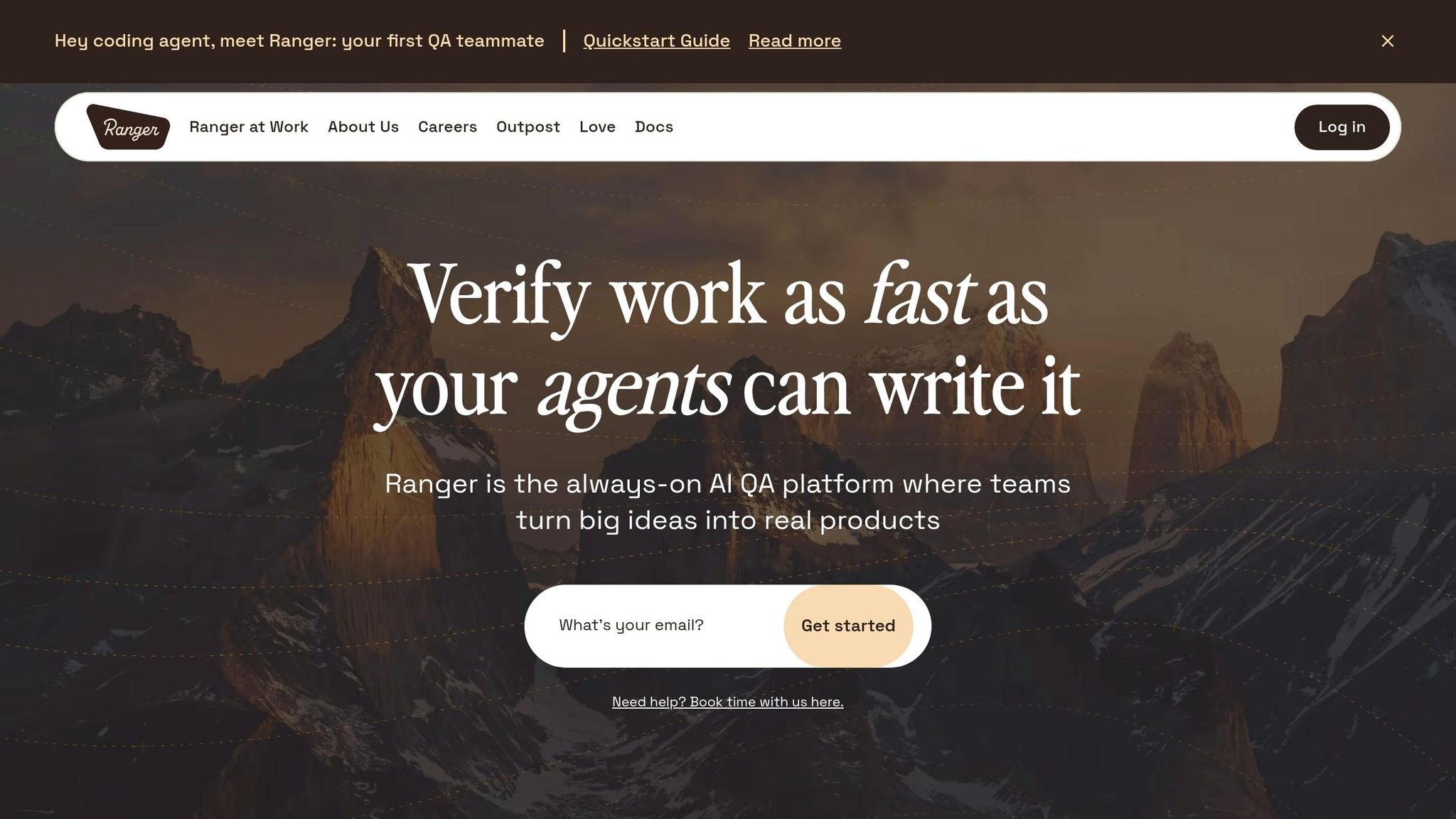
Ranger takes the concept of self-healing tests to the next level by combining advanced AI capabilities with human oversight, creating a powerful tool to simplify and enhance QA processes.
Key Features of Ranger
Ranger uses a mix of autonomous AI agents and human QA expertise to produce resilient, self-healing test scripts. Its web agent automatically generates Playwright tests that adapt to UI changes, cutting down on tedious manual updates. This approach tackles common test failures, such as brittle selectors (28%) and other issues like timing, test data, runtime errors, and rendering glitches, which account for over 70% of failures.
Ranger employs a "write-verify loop", where its AI writes test code, verifies it in a dedicated browser session, identifies failure reasons, and self-corrects until the desired behavior is achieved. Unlike inline browser testing, its dedicated browser agents provide structured outputs, including screenshots, videos, and Playwright traces, ensuring clarity without unnecessary context clutter.
Integration is seamless, with Ranger working directly with GitHub to run E2E testing in CI/CD automatically as code changes are made. It also connects with Slack to send real-time alerts, ensuring teams are notified only about high-risk, genuine issues. As Brandon Goren, Software Engineer at Clay, shared:
"Ranger has an innovative approach to testing that allows our team to get the benefits of E2E testing with a fraction of the effort they usually require".
Why Choose Ranger for Self-Healing
Ranger’s approach combines AI-driven test generation with human QA reviews through a centralized dashboard. This dashboard provides visual evidence and feedback, ensuring the tests are both reliable and actionable. Jonas Bauer, Co-Founder and Engineering Lead at Upside, highlighted the impact:
"I definitely feel more confident releasing more frequently now than I did before Ranger. Now things are pretty confident on having things go out same day once test flows have run".
On top of that, Ranger offers hosted test infrastructure and scalable capacity, eliminating the need for teams to manage their own testing environments. Its flexible annual contracts and advanced web browsing harness make it easier to maintain tests and improve reliability, significantly reducing the burden of manual test maintenance.
Benefits of AI-Driven Self-Healing Test Scripts

Manual Testing vs AI Self-Healing Test Scripts Comparison
AI's ability to fix broken tests brings some major advantages, including less maintenance, increased reliability, and faster release cycles.
Lower Maintenance Effort and Costs
Self-healing test scripts powered by AI can cut maintenance time by as much as 88%. QA engineers often dedicate 30% to 40% of their week to maintaining test scripts, with locator drift - when UI elements change - causing 70% to 80% of these issues. By automating this process, AI allows engineers to focus on more valuable tasks like exploratory testing and edge case analysis instead of chasing broken selectors.
The financial benefits are also clear. While manually fixing a single issue takes 15–45 minutes, AI can handle the same task in just 12 seconds. For a team of three QA engineers, this automation could save between $60,000 and $75,000 annually. Overall, AI-based test automation can slash testing costs by up to 85%.
Better Test Reliability and Faster Releases
Flaky tests - those that fail due to UI changes rather than actual bugs - are a headache for 73% of engineering teams. These unreliable tests cause about 40% of CI pipeline failures. AI-driven self-healing tackles this problem by automatically adapting to changes in locators using multi-signal detection and automated updates. This ensures that test failures are more likely to reflect real issues, not brittle scripts.
With fewer false alarms, teams can move faster. Instead of delaying deployments to fix tests manually, self-healing keeps pipelines running smoothly. Since only about 10% of test failures are due to actual bugs, eliminating false positives gives teams the confidence to release features more quickly.
The table below highlights how AI self-healing stacks up against traditional manual testing.
Manual Testing vs. AI Self-Healing: A Comparison
| Aspect | Traditional Manual Maintenance | AI-Driven Self-Healing |
|---|---|---|
| Response to UI Change | Test fails; build turns red | Test adapts; execution continues |
| Repair Time | 15–45 minutes per selector | ~12 seconds per repair loop |
| QA Bandwidth | 30–40% spent on maintenance | ~8% spent on maintenance |
| Identification Method | Single selector (ID, CSS, XPath) | Multiple signals (text, role, position) |
| Cost of Repair | High (engineering hourly rate) | Low (~$0.005 in model tokens) |
| Trust Level | Erodes with frequent false failures | High; red builds usually indicate bugs |
Conclusion: The Future of QA with Self-Healing Test Scripts
The shift from reactive fixes to proactive, self-healing tests is transforming the QA landscape. With 86% of QA teams planning to integrate AI into their testing processes within the next year, self-healing test scripts are rapidly becoming a game-changer. By automating test maintenance, teams can redirect their focus toward exploratory testing and addressing high-risk areas.
"Self-healing test automation is the future of reliable, efficient software testing. It keeps your tests running, even when unexpected changes occur." – Robert Weingartz, Author, aqua cloud
This quote perfectly captures the ongoing evolution in QA. Self-healing technology allows test suites to scale without the burden of increased maintenance. For organizations managing hundreds of end-to-end tests, it eliminates the trade-off between broad test coverage and manageable upkeep. Even during major UI overhauls or component updates, self-healing ensures stability and reliability.
Ranger represents this future of automated testing. Ranger's AI-powered QA platform brings self-healing to life by combining advanced automation with human oversight. It integrates seamlessly into workflows through tools like Slack and GitHub, automatically creating and maintaining tests. This ensures that red builds highlight genuine bugs, not issues caused by broken selectors. Developers can trust their CI/CD pipelines, while QA teams focus on uncovering critical issues.
The real question is: how soon will you adopt self-healing tests to stay ahead? As applications grow more complex and release cycles shorten, teams leveraging AI-driven testing solutions will not only ship faster but also catch more bugs and avoid wasting time on flaky tests.
FAQs
Will self-healing hide real product bugs?
Self-healing tests aim to adjust to UI changes, reducing flaky test failures caused by small updates. While they help stabilize testing processes, relying too much on AI can sometimes conceal real defects. These tests are meant to improve efficiency by minimizing instability but should never replace detailed defect detection or human judgment.
What data does the AI use to find the right UI element?
The AI pinpoints the right UI element by examining various runtime artifacts such as the DOM snapshot, accessibility tree, network activity, console logs, and application state. By leveraging these data points, the AI adjusts to changes seamlessly, ensuring precise element detection while reducing the need for manual input.
How do I safely roll out self-healing in CI/CD?
To implement self-healing in CI/CD pipelines effectively and safely, begin by integrating AI-powered tools capable of identifying and resolving test failures on their own. Start small - roll out these features in controlled environments to test their behavior under specific conditions. Keep a close eye on their performance and always have rollback mechanisms ready as a safety net.
Maintaining continuous monitoring, logging, and observability is critical for keeping the system healthy and reliable. These practices not only ensure that issues are addressed quickly but also reduce the need for manual intervention, ultimately boosting the stability of your pipeline.
Related Blog Posts
Stop babysitting your coding agents. Use Ranger
%201%20(1).svg)
More signals, less noise, faster launches
Let Ranger be your guide to sustainable QA testing.

.png)