%201.svg)
How AI Improves Risk-Based Regression Testing



AI transforms regression testing by automating risk analysis, prioritizing high-impact tests, and maintaining test scripts. Traditional methods rely on manual effort, outdated spreadsheets, and intuition, which fail to scale with complex systems. AI solves these issues by continuously updating risk profiles based on code changes, defect history, and dependencies.
Key Benefits:
- Faster Testing: AI reduces regression testing time by 30–40%.
- Smarter Prioritization: Focuses on high-risk areas using data-driven insights.
- Improved Coverage: Identifies gaps in testing and tracks dependencies.
- Self-Healing Scripts: Automatically updates tests when code or UI changes.
- Higher ROI: Cuts QA labor costs and detects defects earlier.
For example, Google achieved a 90% reduction in test execution time without missing defects. Tools like Ranger integrate with CI/CD pipelines, automate test creation, and provide real-time feedback, enabling teams to release faster and with confidence.
AI-powered testing shifts the focus from running all tests to running the right tests, ensuring quality while saving time and resources.

AI-Powered Regression Testing: Key Benefits and Performance Metrics
Episode 4 : AI for Regression Testing & Predictive Analysis | Challenges & Best Practices | AI | ML
sbb-itb-7ae2cb2
Problems with Manual Risk-Based Regression Testing
Manual risk-based testing may help prioritize important cases, but it often creates bottlenecks and leaves significant gaps in test coverage. The main issue is that manual methods simply don’t scale well as codebases grow and evolve. Let’s break down the key challenges in manual prioritization and test suite management.
Manual Test Prioritization Takes Too Long
One of the biggest drawbacks of manual prioritization is how much it slows down the process, undermining agility. It requires inputs from multiple sources - developers, product owners, and historical logs - which can be disjointed and time-consuming to gather. This siloed approach delays quality assurance and complicates decision-making.
Another issue is the subjectivity involved. Factors like recency bias - where recent failures are given undue weight - can lead to inconsistent prioritization. For example, if a checkout module had issues in the last sprint, it might be marked as "critical" again even if no relevant code changes occurred.
"Manual prioritization often depends on tribal knowledge or outdated documentation, leaving blind spots that expose businesses to unnecessary risk." – Panaya
As test suites grow beyond 500 cases, relying on informal knowledge becomes unsustainable. Spreadsheets and risk matrices, which are often used to track priorities, quickly become outdated because updating them manually is tedious. In many cases, teams abandon these tools altogether as the codebase evolves, features are added, and team members change roles. For instance, Fujitsu reported a 35% reduction in QA labor hours after switching from manual test scoping to automated change impact analysis.
Poor Test Suite Management
Managing a manual test suite comes with its own set of challenges. Over time, these suites tend to become bloated with redundant or outdated cases, which slows down regression testing cycles. While teams might initially document risk scores and categorize tests by priority, the ongoing maintenance becomes overwhelming. Under tight deadlines, QA teams often cut corners, reducing coverage and inadvertently increasing risk.
This inefficiency leads to misallocated resources. Low-value tests end up consuming time and effort that should be directed toward critical features that drive revenue. For example, one e-commerce platform managed to cut deployment times from four hours to just 45 minutes while reducing critical defect escapes by 85% by adopting a risk-based testing approach.
Another major limitation is dependency blindness. Manual methods often fail to account for how changes in one part of the system affect others, especially in modern architectures with interconnected microservices. Studies show that 20% of application modules are responsible for 80% of critical production defects. Without automated tools to track these dependencies, teams risk missing high-impact areas while over-investing in stable, low-risk modules. These challenges underline the importance of using AI-driven tools to dynamically manage risk and optimize test coverage.
How AI Changes Risk-Based Regression Testing
AI is reshaping risk-based regression testing by turning what was once a manual, spreadsheet-heavy process into an automated, data-driven powerhouse. Instead of relying on experience or guesswork, AI dives into historical code data - like commit history, defect logs, and change frequency - to pinpoint problem areas. This allows teams to transition from exhaustive, brute-force testing to smarter, targeted test selection. For example, Google used machine learning to cut its test suite execution by about 90%, all while maintaining the same defect detection rate.
AI-Driven Risk Prioritization
One of the standout features of AI in testing is its ability to rank tests based on their likelihood of failure. By analyzing call graphs and service interactions, AI maps out complex dependencies to identify potential ripple effects across microservices and integrated systems. This means testing efforts can zero in on high-risk areas - those with frequent hotfixes or high churn - while low-impact zones are tested less frequently or handled in parallel. As systems stabilize, AI recalibrates priorities, ensuring testing is always aligned with actual risks rather than assumptions. This approach not only boosts efficiency but also prevents testing from becoming a bottleneck by reducing the need for manual triage.
Better Test Coverage with AI
AI doesn’t just prioritize; it also uncovers gaps in test coverage that manual methods might overlook. By tracing dependencies throughout the codebase, it ensures even indirect side effects are accounted for. AI agents can use natural language processing on Git diffs to generate or refine test plans, cutting down on the biases and blind spots common in manual approaches. Additionally, AI identifies flaky tests - those caused by unstable selectors or environmental quirks - so teams can focus on genuine risks rather than chasing false alarms.
Self-Healing Test Scripts
Keeping test scripts up to date as UIs and APIs evolve is a constant headache. AI tackles this with self-healing capabilities, automatically identifying and fixing broken locators like IDs or layout structures. This saves countless hours of manual maintenance each sprint.
"AI-driven automation tools solve [fragile UI testing] by actively detecting broken locators and identifying similar elements to predict the correct replacement. By healing your scripts automatically without human intervention, this technology saves hours of maintenance per sprint." – Thamali Nirmala, QA Engineer
Self-healing becomes even more critical as AI-generated code grows in use. Currently, 25% to 30% of code at companies like Microsoft and Google is AI-generated, and 67% of developers report spending more time debugging AI-generated code than human-written code. These self-healing scripts adapt dynamically to changes, tracking the ripple effects of refactors that manual methods might miss. They can even distinguish between minor visual differences and meaningful functional issues, reducing false positives in UI testing.
Benefits of AI-Powered Regression Testing
AI-powered regression testing can reduce test maintenance by up to 40% and cut the time spent on defect debugging by 30%.
Faster Release Cycles
AI-driven impact analysis ensures only the tests affected by code changes are run, shrinking feedback loops from hours or days to just minutes. This quick turnaround allows developers to spot breaking changes almost immediately after a code push. For example, a U.S.-based insurance company achieved 95% testing accuracy with AI-driven impact analysis, enabling near-instant detection of breaking changes. Hybrid AI models also excel at testing related concepts, even when the terminology is inconsistent.
"AI‑driven regression testing is no longer optional but essential for QA teams." – Atul Shrivastava, Project Manager and SDET, Infosys
Higher ROI Through Automation
Catching defects early can be up to 30 times cheaper than fixing them after release. AI-powered testing offers immediate benefits, like better productivity and quicker time-to-value, alongside long-term advantages such as lower labor costs. Teams can maximize returns by focusing on automating stable, repetitive, and high-risk workflows first, rather than attempting to automate every single test case from the start.
"The biggest AI risk is not security breaches; it is spending millions without measurable ROI." – Jim Larrison, Larridin
Scalability and Reliability
As software projects grow, AI ensures consistent testing results by using techniques like test sharding and parallel execution, which split large test suites across multiple runners to maintain speed. Predictive test selection further accelerates testing by pinpointing the tests most relevant to recent code changes. Additionally, AI helps stabilize flaky tests by identifying and addressing non-deterministic patterns, which boosts developer confidence. Modern AI platforms report a 93% pass rate for generated tests after just one iteration, proving they can scale effectively alongside rapid development cycles.
"A stable 70% regression suite is better than a flaky 100%." – Yeahia Sarker, Staff AI Engineer
AI-powered regression testing also operates around the clock, offering continuous validation well beyond standard working hours. This 24/7 capability is especially beneficial for teams managing hundreds of code changes each week. These features make tools like Ranger a powerful option for improving both efficiency and quality in regression testing.
How to Implement AI-Powered Regression Testing with Ranger
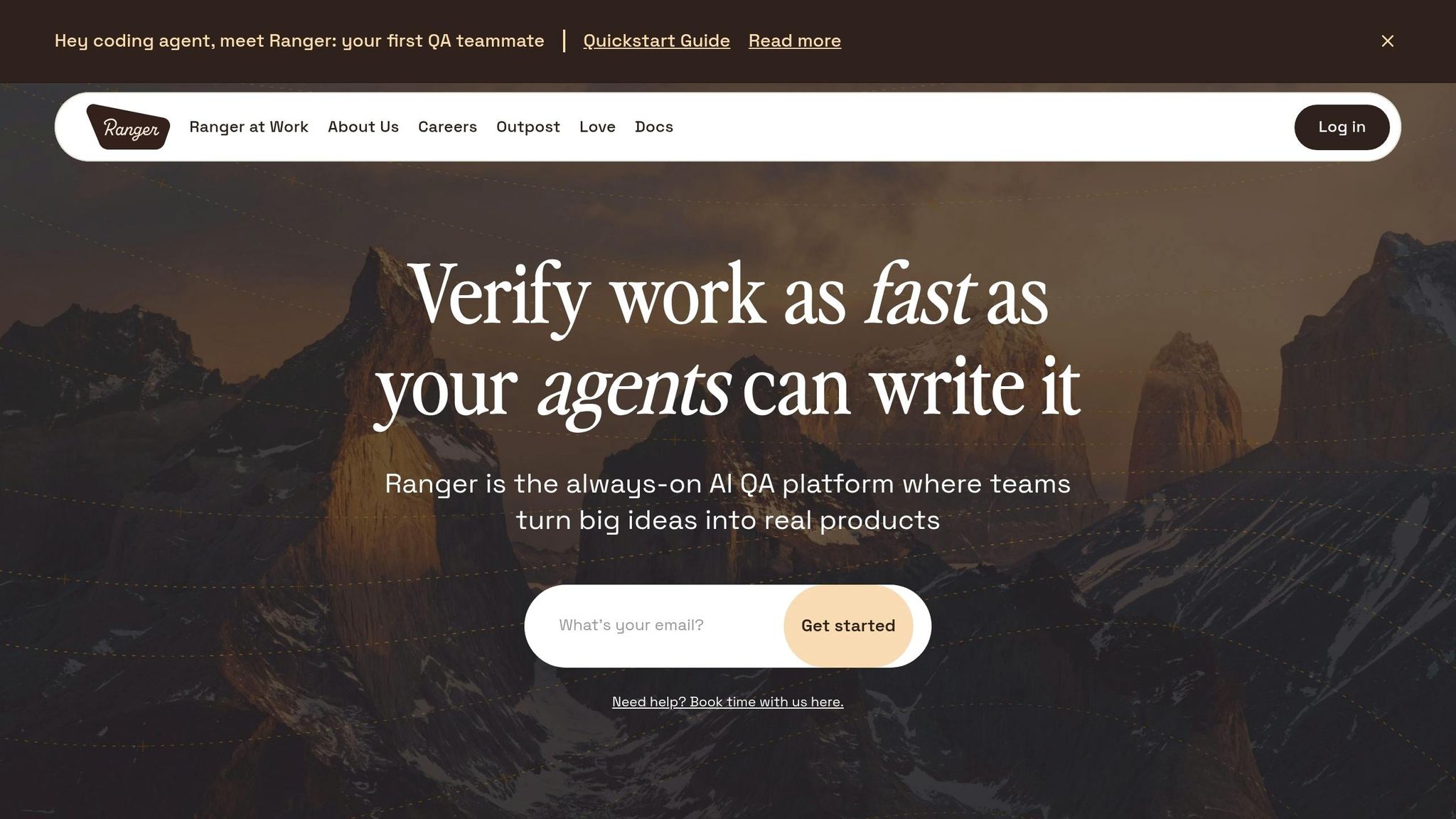
Connect Ranger to CI/CD Pipelines
Integrating Ranger into your development workflow is straightforward. By running the command ranger enable, you can link Ranger to your coding agent and CI/CD pipeline. Considering that 84% of DevOps teams already incorporate automated testing into their CI/CD pipelines, Ranger fits right in without requiring a major overhaul of your existing processes.
Ranger connects through a Cloud Code plugin or CLI, making it compatible with coding agents like Claude. This setup allows tests to be triggered automatically whenever code changes are pushed. For authenticated applications, you only need to run ranger adm local [URL] once to log in. Ranger then caches your session, ensuring background agents can skip the login step during automated runs.
Once the connection is established, Ranger seamlessly takes over, generating automated tests for your application.
Automate Test Creation and Maintenance
When you're working on a new feature, your coding agent automatically adds a verification section that outlines test scenarios. Running the ranger go command activates browser agents to execute tests in parallel, offering live-streamed results and screenshots as they progress. If an issue arises - like a 500 error or a UI glitch - Ranger flags the problem, and the coding agent can initiate an automatic fix followed by re-verification.
"We don't manually test features anymore." – Josh Ip, Founder, Ranger
AI is expected to cut manual testing efforts by 45% by the end of 2026. Ranger’s automation includes self-healing capabilities: when UI changes are detected, it automatically updates test scripts using visual markers and precise XY coordinates. This eliminates the need for hours of tedious maintenance that older methods often require. If further adjustments are needed, you can leave comments directly on screenshots in the Ranger interface. These comments guide the platform to refine tests automatically when you run ranger resume.
But Ranger doesn’t stop at automation - it also ensures your team stays informed with continuous updates.
Use Real-Time Testing Insights
Ranger provides real-time feedback and automated bug triaging, helping teams resolve issues faster. Its multiplayer collaboration feature allows team members to review AI-verified results, add comments, and work together on feature reviews. This shared environment gives everyone the confidence to ship features efficiently.
Additionally, Ranger automates pull request descriptions by including checklists and screenshots from test runs, saving time on manual reporting. With 77.7% of teams now leveraging AI-driven quality engineering, Ranger exemplifies Wave 4 of software testing. In this approach, testers define broader missions - like "Ensure the checkout process works" - rather than writing detailed, step-by-step scripts. This evolution frees QA teams to focus on strategic decisions, while Ranger handles the technical execution around the clock.
Conclusion
AI is reshaping risk-based regression testing by replacing guesswork with precise, data-driven insights. Instead of relying on outdated spreadsheets or informal team knowledge, AI dives into commit histories, defect logs, and usage patterns to build a constantly evolving risk profile that adapts with every code change.
With automated dependency mapping, AI uncovers hidden side effects across microservices - issues that manual testers might easily overlook. Intelligent test selection ensures the right tests are run at the right time, avoiding the inefficiency of running every test for every change. This approach not only speeds up execution but also sharpens testing focus, reinforcing the idea of smarter, more efficient testing.
Ranger exemplifies this shift by combining AI-driven automation with human oversight. It streamlines test creation, maintenance, and execution, operating around the clock to free up QA teams for more strategic tasks. Features like self-healing tests and real-time insights keep your testing strategy aligned with how your application actually behaves, even as your codebase evolves.
The impact is clear: teams using AI-powered regression testing often see execution times drop by 30-40% while catching more critical defects. By automating labor-intensive tasks and continually assessing risk, Ranger helps accelerate release cycles, enhance test coverage, and maintain high-quality standards. This is particularly effective when implementing AI test case prioritization within your existing pipelines.
The future of regression testing isn’t about running more tests - it’s about running smarter tests. With Ranger, teams gain the scalability and efficiency needed to keep pace with today’s fast-moving development cycles, ushering in a new era of precision and speed for quality assurance.
FAQs
What data does AI use to score regression risk?
AI assesses regression risk by examining various factors, including code changes, bug history, test coverage, code dependencies, usage patterns, and past defect data. Through this analysis, it pinpoints areas with higher risk, helping teams focus their testing efforts more effectively and enhancing overall software quality.
How does AI decide which regression tests to run after a change?
AI takes a strategic approach to selecting regression tests by analyzing code changes, usage patterns, and historical defect data. This helps pinpoint areas of the code that are more likely to fail, ensuring the focus is on high-risk segments.
By digging into dependencies and identifying patterns in past defects, AI zeroes in on the most vulnerable parts of the application. This not only improves testing efficiency but also ensures better test coverage. The result? Less wasted effort and faster, more reliable releases.
How do self-healing tests avoid masking real bugs?
Self-healing tests help ensure that real bugs don’t get hidden by adapting automatically to changes in the application. This minimizes false positives caused by test maintenance problems, keeping the focus on genuine issues. By reducing the noise from unreliable tests, teams can concentrate on fixing actual bugs instead of chasing misleading errors.
Related Blog Posts
Stop babysitting your coding agents. Use Ranger
%201%20(1).svg)
More signals, less noise, faster launches
Let Ranger be your guide to sustainable QA testing.

.png)