%201.svg)
GitHub Test Automation: Best Practices



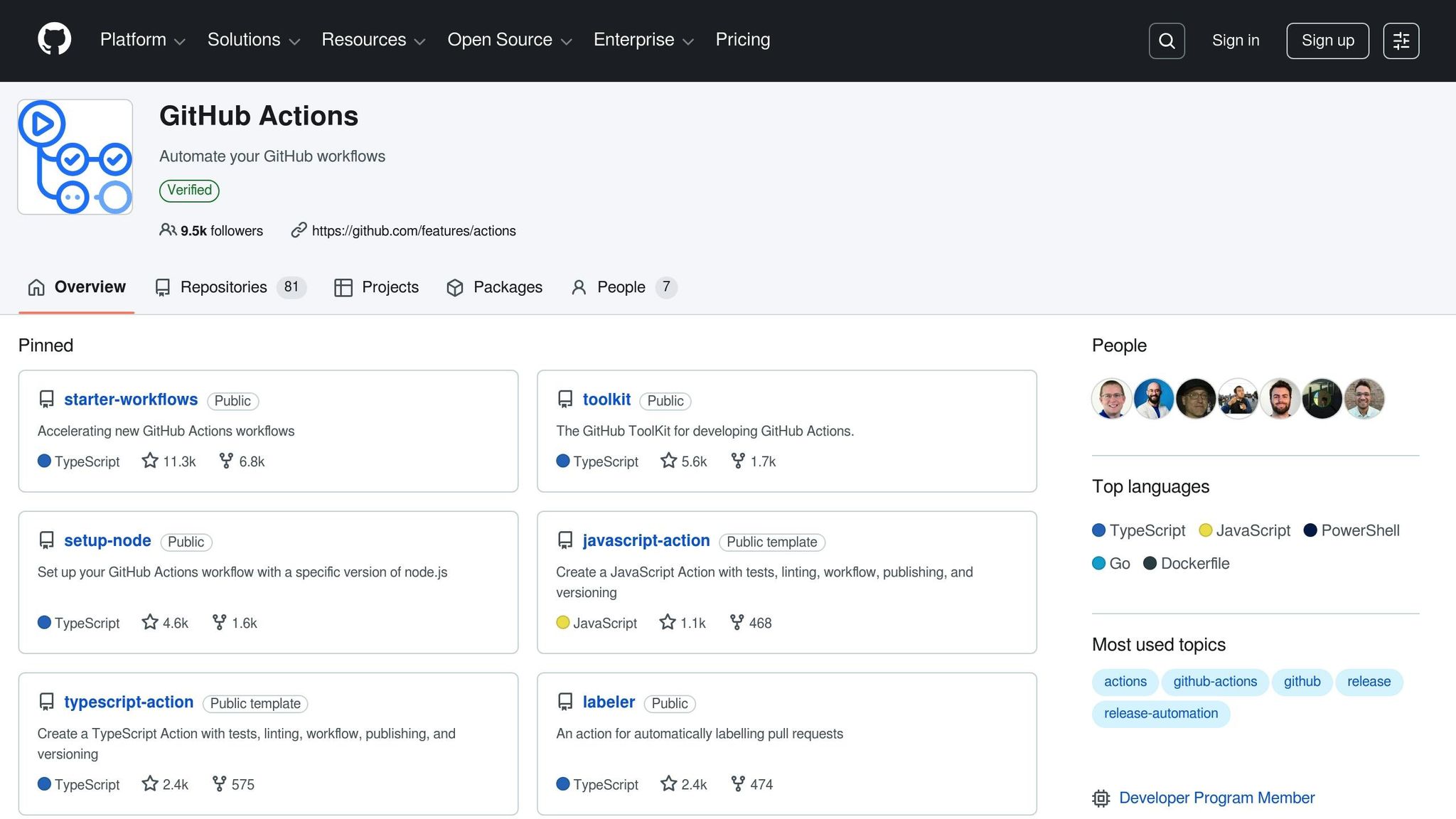
Automation testing with GitHub Actions streamlines development by integrating testing directly into your workflows. Here's the gist:
- Speed Up Testing: Use parallel execution and matrix strategies to test across multiple environments (e.g., Ubuntu, Windows, macOS) simultaneously.
- Prevent Broken Code: Leverage sequential dependencies (
needskeyword) and "fail-fast" to stop workflows when errors occur. - Organize Repositories: Maintain a clear structure (e.g.,
/src,/tests,/dist) and secure sensitive data with repository secrets. - Optimize Workflows: Use caching for dependencies, pin actions to specific commits for security, and manage runner sizes for efficiency.
- Advanced Tools: Integrate pre-built GitHub Marketplace actions or AI-powered tools like Ranger for smarter, automated testing.
GitHub Actions is a robust tool for automating tests, reducing errors, and ensuring high-quality code delivery. Keep workflows secure, monitor performance, and scale effectively as your team grows.

GitHub Actions Test Automation Workflow: 5-Step Implementation Guide
Complete GitHub Actions Course - From BEGINNER to PRO
sbb-itb-7ae2cb2
Preparing Your GitHub Repository for Test Automation
Start by laying a solid foundation for your repository. GitHub Actions looks for YAML workflow files in the .github/workflows directory at the root of your repository. Make sure to create this folder and add .yml or .yaml configuration files. You can use GitHub's prebuilt templates for popular languages like Node.js, Python, or Go.
Branch protection plays a key role in keeping broken code out of production. Enable branch protection on your main branch to require status checks and pull request reviews before any code is merged. For internal team collaboration, working with branches within a single repository is generally more efficient than forking. This approach simplifies pull request workflows and allows for the use of protected branches.
Set up Dependabot alerts, secret scanning, and code scanning early on. For sensitive information like API tokens or database credentials, use repository secrets. This ensures that credentials remain secure while still being accessible to GitHub Actions workflows.
Organizing the Repository Structure
Once your workflow files and branch settings are in place, focus on structuring your repository for better automation. A well-organized repository makes automation more reliable and easier to maintain. Keep production code (e.g., /src), compiled files (e.g., /dist), and test files (e.g., /tests) in separate directories. This structure helps avoid confusion and ensures automated workflows only target the intended files. For repositories that include large files like videos or images, consider using Git Large File Storage (Git LFS) to maintain performance during cloning and testing.
Place key documentation - such as README, SECURITY.md, license, and contribution guidelines - at the root of the repository. These documents help set expectations for contributors and streamline automated processes. Adding a workflow status badge to your README is another great step. It gives everyone, from team members to outside contributors, a quick visual summary of the latest test results.
Linking Issues and Pull Requests to Tests
Clear connections between issues, pull requests, and tests can significantly improve your development workflow. Link test cases to issues and pull requests to ensure traceability. Standardize bug reports and feature requests using issue templates and forms. You can also break down testing tasks into smaller steps using task lists, which automatically update as linked issues are closed.
Using labels like bug or front-end can make it easier to organize and filter issues and pull requests. This helps track all tests and code changes related to specific components. Additionally, creating issue dependencies can clarify which tasks are blocked by others. As GitHub Docs explains:
"By creating issue dependencies, you can easily see and communicate which issues are blocked by, or blocking, other issues. This helps streamline coordination, prevent bottlenecks and increase transparency across the team".
To ensure automated tests run whenever contributors propose changes, link tests to the pull_request event in your workflow files. Use the upload-artifact action to save test results, code coverage reports, and error logs. You can set a retention-days value (e.g., 5 days) to balance storage needs with debugging. GitHub also calculates a SHA256 digest for uploaded artifacts, which can be validated during downloads to ensure data integrity across workflow jobs.
Configuring GitHub Actions for Test Automation
GitHub Actions uses YAML files stored in the .github/workflows directory to define your automated test workflows. These YAML files outline triggers, jobs, and steps that guide your automated tests. Getting this configuration right is key to maintaining smooth, error-free testing as part of your quality assurance process.
To start, set up triggers that align with your development workflow. Most teams configure workflows to run on both push and pull_request events, ensuring that code is tested before merging into the main branch. For debugging or manual test runs, you can add workflow_dispatch. If your repository separates code and documentation, path filters (like on.push.paths) can help trigger tests only when source files change.
Each job in your workflow needs a runner - a virtual machine that executes the tests. While ubuntu-latest is a common choice, pinning to a specific version like ubuntu-22.04 ensures consistency by preventing unexpected environment updates that could disrupt your tests. For tests that demand more resources, you might need larger runners to keep things running efficiently.
Creating and Managing YAML Workflow Files
Once the basics are in place, creating detailed YAML files is the next step for effective automation. A workflow file includes a name, trigger events, and jobs with defined steps. The name field sets the display label in the Actions tab, while the on section specifies the events that trigger the workflow. Jobs consist of steps that either run shell commands (run) or call reusable actions (uses). For example, the actions/checkout action is critical - it clones your repository onto the runner so your tests can access the code. If you're working with specific programming languages, include setup actions like actions/setup-node to install the necessary runtime and package manager.
GitHub provides starter templates in the Actions tab, pre-configured for popular languages detected in your repository. After creating a workflow file, GitHub generates a real-time visualization graph showing progress, detailed logs for each step, and any failures during execution.
Security should be a priority when configuring workflows. Use the permissions key to restrict the GITHUB_TOKEN scope to only what's needed (e.g., contents: read for test workflows that don’t require write access). Pin third-party actions to specific commit SHAs instead of tags or branches to avoid issues from upstream changes or potential malicious code. Additionally, set explicit timeout-minutes values (e.g., 30 minutes) for jobs to prevent tests from hanging and consuming the default 6-hour timeout.
Optimizing Workflow Performance
Matrix strategies can drastically improve testing speed by running multiple configurations simultaneously rather than one after the other. As GitHub Resources highlights:
"The main benefit of using matrices is speed. Your tests run at the same time, not one after the other, making the whole process faster and getting you quick feedback".
To avoid wasting resources on rapid commits, use concurrency groups with cancel-in-progress: true. Andre Hacke, Senior Product Owner at CARIAD (Volkswagen Group), emphasizes:
"Our focus is on preventing simultaneous or parallel runs of workflows, which could lead to conflicts and inconsistencies in our operations. We use concurrency groups to protect against this".
Another way to save time is by using actions/cache to reuse dependencies, reducing setup time. For matrix builds, enabling fail-fast: true stops all in-progress jobs as soon as one fails, conserving runner minutes. If your tests depend on shared resources or rate-limited APIs, you can use max-parallel to limit concurrent jobs. GitHub Resources also advises:
"Selecting the right runner size is a balance. It's about ensuring the test completes quickly without overburdening or underutilizing resources".
Executing and Managing Tests with GitHub Integrations
Once your repository and workflows are set up, the next step is to bring in advanced test runners and tools. These integrations can help you automate testing processes and add specialized capabilities to your pipeline, whether you're handling unit tests, integration tests, or full end-to-end scenarios.
Integrating Test Runners and Tools
GitHub Marketplace offers a variety of pre-built actions that make it easier to integrate language-specific tests and code quality checks. For example, Amplifon's Global DevOps team uses the PMD action from the Marketplace to automate code quality analysis for Java, JavaScript, and Apex. Since their applications must function seamlessly on hearing aid hardware and mobile platforms, they rely on self-hosted runners for integration and system verification tests. For more routine testing, GitHub-hosted runners are a better fit. However, when testing involves specific devices, operating systems, or network configurations, self-hosted runners become essential.
To run these tools, you can use the run keyword in your workflow files to execute CLI commands (like npm test or pytest) or scripts stored in your repository. Just make sure the scripts have the necessary permissions to execute.
Using Ranger for AI-Powered QA Testing
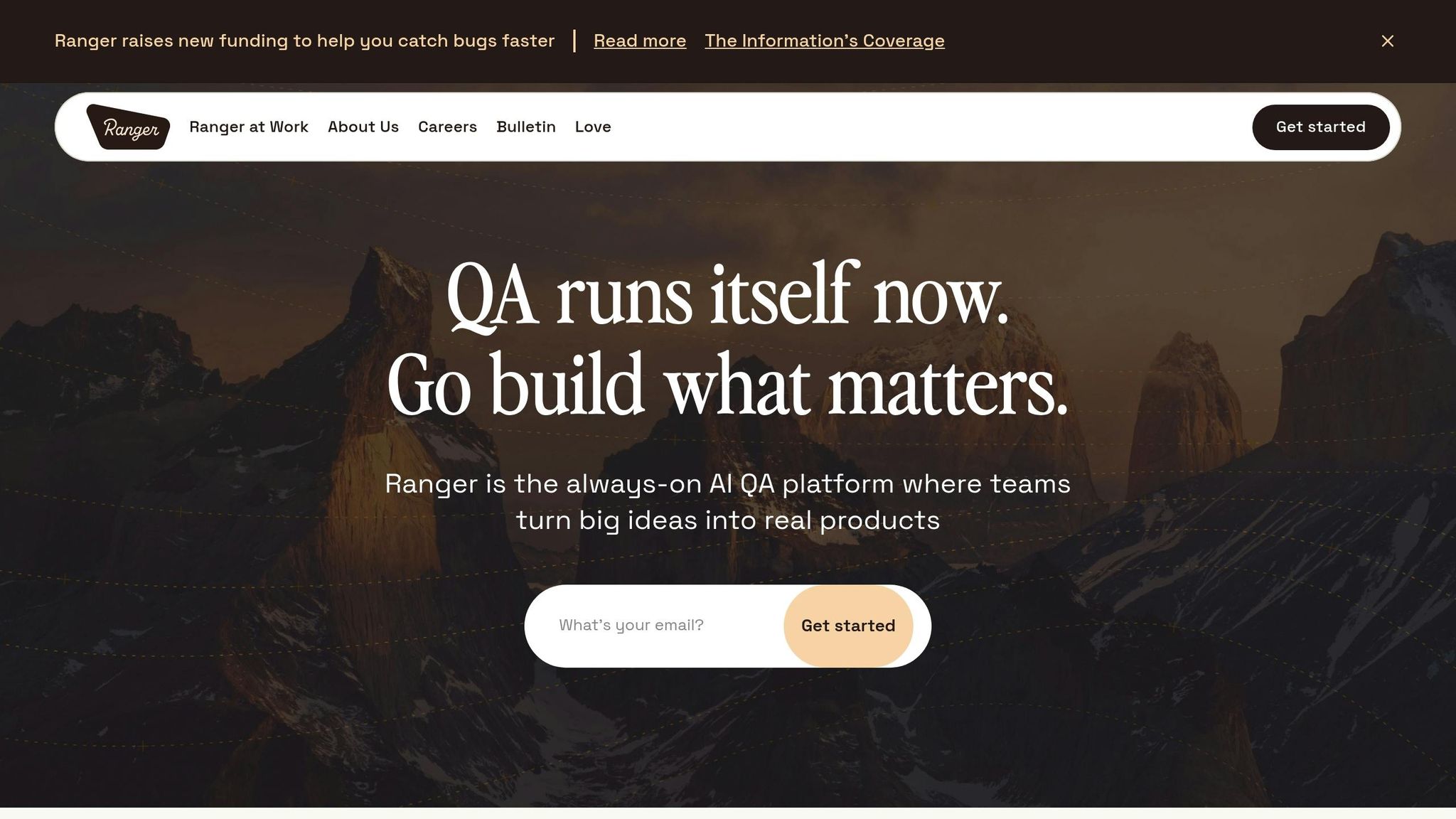
If you're looking for a smarter approach to testing, Ranger might be worth exploring. This tool integrates seamlessly with GitHub via the QAdottech/run-action and automatically triggers AI-driven end-to-end tests during push or pull_request events. Unlike traditional frameworks that depend on rigid, hard-coded selectors, Ranger's AI observes user workflows and learns application behavior. This allows it to focus on testing critical functionality, even when minor UI changes occur.
Ranger also simplifies test management by distributing tests across multiple runners on its own backend, which speeds up feedback without requiring complex matrix configurations. By setting blocking: true in your YAML file, you can ensure the GitHub Action waits for Ranger's test results before completing the job.
For an efficient testing pipeline, you can chain Ranger tests to run only after unit tests succeed using the needs keyword. This prevents unnecessary execution of resource-intensive integration tests when the basic code is already broken. Ranger also provides real-time monitoring and detailed test logs through its dashboard, with artifacts stored for up to 30 days. Its AI-driven adaptability reduces the need for constant script updates, unlike traditional tools like Selenium or Playwright, which often fail due to minor UI tweaks. This means less manual maintenance and a more reliable testing process.
Monitoring, Debugging, and Improving Test Workflows
Tracking Test Metrics and Results
The Insights tab in GitHub provides a clear view of your test workflows with both usage and performance metrics. Usage metrics cover execution minutes, job counts, and artifact storage - key data points for managing costs and budgets. Performance metrics focus on job execution times, helping you identify bottlenecks that could slow down your pipeline.
One critical area to monitor is the success and failure rates of your workflows. If you notice tests passing and failing inconsistently without any code changes, you’re likely dealing with flaky tests. These unreliable tests can erode confidence in your testing suite and should be addressed as a priority. You can also keep an eye on your workflow’s current health using status badges.
For deeper insights, leverage workflow commands to output custom performance metrics directly into the GitHub job summary using Markdown. This approach allows you to highlight specific data, like test coverage percentages or response times, right where your team reviews results. Pro tip: schedule automated test workflows during off-peak times instead of at the top of the hour. This avoids potential delays caused by higher GitHub Actions loads.
Rerunning Failed Tests and Debugging
Tracking metrics is just one part of the equation; quickly resolving failures is equally essential. When a test fails, GitHub offers options to rerun all jobs, only the failed jobs, or a specific job. Rerunning just the failed jobs can save both time and computing resources, especially when dealing with flaky tests or temporary network issues. Use the GitHub CLI command gh run rerun RUN_ID --failed to streamline this process.
If standard logs don’t provide enough detail, enable debug logging through the UI or CLI (--debug) to capture more in-depth runner and step information. These detailed logs can help uncover configuration or environment issues that might not appear in regular logs. For skipped jobs, download the log archive and check system.txt to examine runtime conditions.
GitHub also integrates AI-powered troubleshooting through Copilot, which can analyze errors directly from the workflow run summary. Logs can be searched, downloaded as archives, or accessed via the GitHub CLI for further investigation. Keep in mind that workflows can be rerun up to 30 days after their initial execution, giving you extra time to revisit and resolve lingering issues.
Advanced Testing Strategies for GitHub Workflows
Mocking Dependencies and Testing Edge Cases
When running unit tests, isolating them from external dependencies like databases or APIs is crucial for speed and consistency. Testing frameworks such as Vitest (for TypeScript) or pytest (for Python) can help you mock entire modules or specific functions. This approach allows you to simulate various responses without making actual network calls.
Organize your tests using the AAA pattern (Arrange, Act, Assert). To ensure clean test states, reset all mocks before each test - using commands like vi.resetAllMocks() - to prevent lingering states from affecting subsequent tests. Go beyond testing the "happy path" by mocking errors like ConnectionError to validate how your code handles failures.
For platform-specific edge cases, use strategy.matrix to test across environments without halting other tests. Set fail-fast: false within the matrix to ensure a failure in one environment doesn't cancel tests in others, giving you a complete view of cross-platform reliability.
When integration tests require multiple interconnected services, orchestrate the environment using Docker Compose directly within your workflow. You can also leverage tools like GitHub Copilot Chat to assist in generating mocks and structuring unit tests.
Once you’ve established strong dependency mocking and edge case testing, the next challenge is scaling automation for larger teams.
Scaling Test Automation for Larger Teams
As teams grow, scaling test automation becomes essential. A great example comes from Stack Overflow, which, in January 2026, introduced dynamic matrices in GitHub Actions to tailor test environments for individual pull requests. By applying specific labels to PRs, they automatically generated matrices that populated environments with relevant data subsets. Jason Schwanz, a Staff Site Reliability Engineer, shared:
"We use dynamic matrices in GitHub Actions to set up test environments that are tailored to individual pull requests (PRs)... This approach helps accelerate our development cycles, reduce errors, and ensure that we deliver a reliable and high-quality product".
Reusable workflows are another key strategy. By centralizing logic in a single repository, teams can call these workflows across the organization, maintaining consistency and reducing redundancy. HelloFresh adopted this approach and saw impressive results. According to Senior Platform Engineer Sanjito Kurniawan:
"With GitHub Actions, we've reduced the average pipeline length from over a thousand lines down to just around 100, which makes them much easier to understand".
This shift not only simplified pipelines but also reduced CI-related queries by 40%, freeing up valuable engineering resources.
Optimizing runner sizes can further boost efficiency. For instance, use 2-core runners for lightweight unit tests and 8-core runners for resource-heavy functional tests. Managing runner groups at an enterprise level ensures efficient resource allocation and simplifies oversight.
To avoid bottlenecks in large test suites, divide them into subsets and run them in parallel. Use the needs keyword to define job dependencies so that resource-intensive tests only run if the build succeeds. Share critical information, such as test run IDs, between jobs using GITHUB_OUTPUT to coordinate parallel threads and wrap up with a final completion job.
These strategies help streamline workflows, improve efficiency, and ensure that testing scales effectively with the demands of larger teams.
Conclusion
This checklist outlines practices to create effective GitHub test automation workflows. Success begins with strategic planning: define clear objectives in a Software Requirement Specification (SRS) and set measurable goals to align with business needs.
Once objectives are established, focus on secure and efficient configurations. Security is critical - pin third-party actions to specific commit SHAs rather than tags to guard against malicious code. Limit GITHUB_TOKEN permissions using the principle of least privilege, and configure explicit timeouts to avoid resource-heavy jobs hanging indefinitely. Without proper configuration, GitHub Actions defaults to a 6-hour timeout, which can cause unnecessary delays and higher costs.
Continuous monitoring is equally important. Tracking metrics like the Escaping Defects Index helps identify testing gaps. A 2023 State of Testing survey found that 33% of respondents rely on non-dedicated testers for 10% to 50% of their testing efforts, reinforcing the need for robust automation to maintain quality regardless of the tester.
Tools like Ranger can simplify this process. By integrating directly with GitHub, Ranger uses AI to automate test creation and maintenance, while human oversight ensures reliability. Its continuous end-to-end testing capabilities enable faster bug detection and consistent feature delivery, demonstrating the benefits of intelligent tools in automation.
The main takeaway: automation isn’t a "set it and forget it" process. Regularly review execution times, adjust runner sizes for specific tests, and use dynamic matrices to customize environments for each pull request. By combining careful planning, strong security measures, and advanced tools, you can build a scalable, adaptable test automation system that grows with your team and meets evolving demands.
FAQs
What’s the minimum GitHub Actions setup to automate tests?
To set up automated testing with GitHub Actions, you’ll need to create a workflow file in the .github/workflows directory of your repository. This file, written in YAML, outlines the steps GitHub Actions will follow.
Start by specifying a trigger event, like push or pull_request. Then, define the jobs in the workflow. Typically, these include:
- Checking out the code: Use the
actions/checkoutaction to pull your repository's code into the runner. - Setting up the environment: Configure the necessary runtime, dependencies, or tools (e.g., Node.js, Python, or Docker).
- Running test commands: Execute your test scripts or commands, which could range from a simple script to a more complex testing suite.
This setup allows your tests to run automatically whenever the specified event occurs, helping you catch issues early in your development process.
How can I make GitHub Actions workflows faster and cheaper?
To get the most out of your GitHub Actions workflows, consider a few key strategies:
- Use larger runners: Opt for runners with more CPU and RAM to speed up execution times, especially for resource-intensive tasks.
- Cache dependencies: Save time by caching dependencies, which helps avoid repetitive installations during each workflow run.
- Streamline steps: Remove any unnecessary steps in your workflows to make them leaner and more efficient.
- Set timeouts: Define time limits for workflows to avoid excessive usage and potential overages.
- Leverage parallel execution: Break jobs into smaller tasks that can run simultaneously, reducing overall runtime.
- Consider self-hosted runners: For specific tasks, self-hosted runners can help cut costs while maintaining flexibility.
These adjustments can significantly boost workflow performance, saving both time and resources.
How can Ranger run end-to-end tests only after unit tests pass?
To make sure end-to-end (E2E) tests only run after unit tests pass, you can configure the workflow YAML file in Ranger. Set the E2E testing job to depend on the successful completion of the unit testing job. This can be done by defining job dependencies or adding conditions in the workflow. This setup ensures a sequential and reliable testing process.
Related Blog Posts
Stop babysitting your coding agents. Use Ranger
%201%20(1).svg)
More signals, less noise, faster launches
Let Ranger be your guide to sustainable QA testing.

.png)