%201.svg)
Test Coverage Calculator for QA Teams

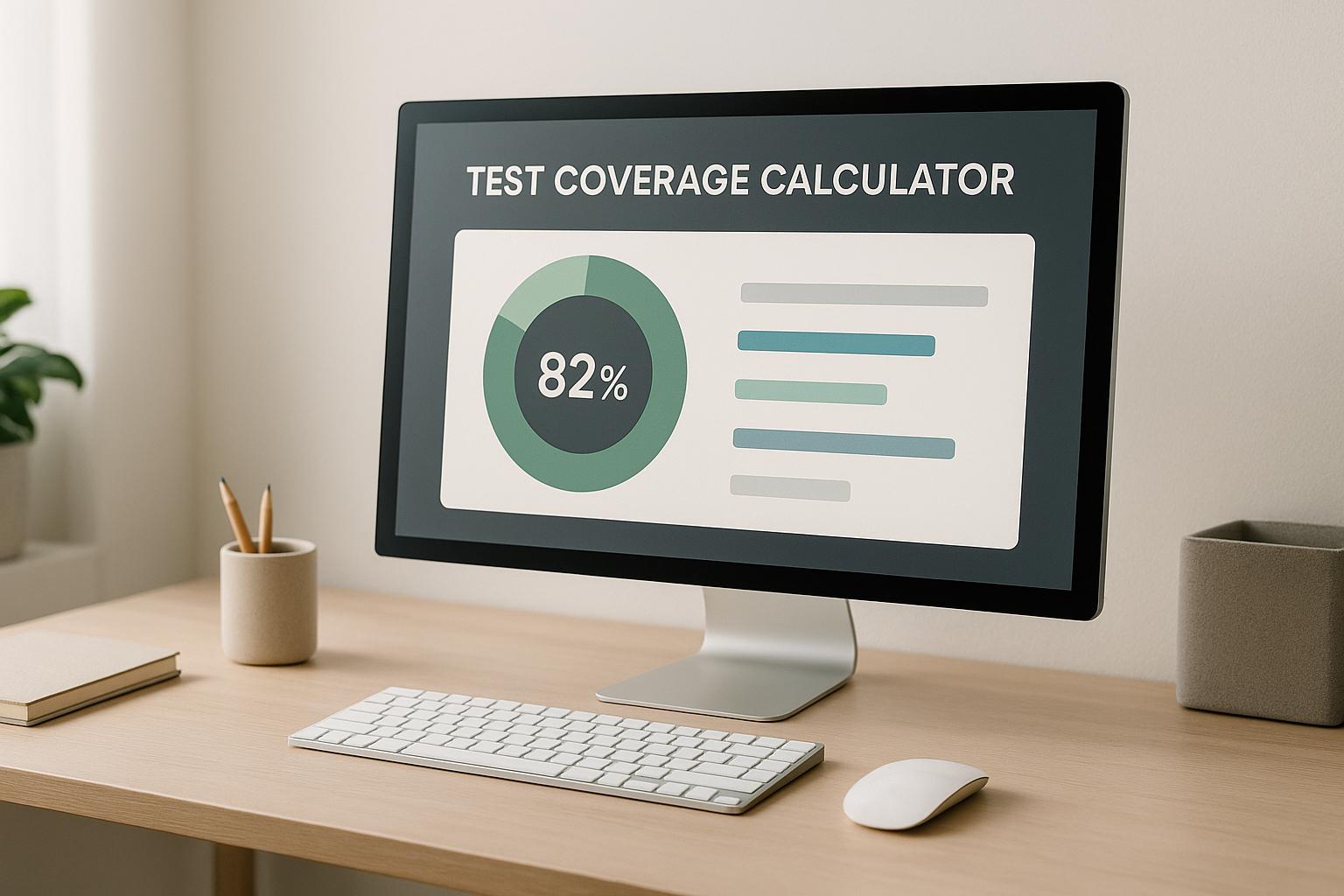
Boost Your Software Quality with a Test Coverage Calculator
When it comes to software development, ensuring quality is non-negotiable. For QA professionals and testers, understanding the extent of testing completeness can make or break a project. That’s where a tool to measure testing metrics becomes invaluable. It offers a straightforward way to evaluate how much of your project is actually tested, helping you pinpoint gaps before they turn into costly bugs.
Why Testing Metrics Matter
Every software project has a set of requirements or features that need validation. Without a clear picture of what’s covered, you’re essentially flying blind. A reliable calculation of your testing scope can reveal whether critical components are protected or exposed to risks. This isn’t just about numbers—it’s about building confidence in your product. By using such a tool, teams can make informed decisions, allocate resources smarter, and deliver software that stands up to real-world use. Plus, it’s a fantastic way to communicate progress to stakeholders. So, if you’re serious about quality assurance, integrating this kind of metric into your workflow is a game-changer. Take control of your testing strategy today and see the difference it makes.
FAQs
What does test coverage percentage mean?
Test coverage percentage shows how much of your project’s requirements or features are tested. For example, if you’ve got 50 features and tests for 40 of them, your coverage is 80%. It’s a handy metric to understand the completeness of your testing efforts and identify areas that might need more attention. Keep in mind, though, that 100% coverage doesn’t guarantee zero bugs—it’s about balancing quality and effort.
What if I enter invalid data, like negative numbers?
No worries! Our tool is built to catch mistakes. If you enter negative numbers, non-numeric values, or a total of zero requirements, it’ll show a friendly error message asking for valid input. We’ve made sure you get clear feedback so you can correct the data and try again without frustration.
How can I improve my test coverage?
Boosting test coverage starts with analyzing which parts of your project are untested—think critical features or high-risk areas. Prioritize writing tests for those first. Also, consider automating repetitive tests to save time, and regularly review your requirements to ensure they’re up to date. It’s not just about hitting a high percentage; focus on meaningful tests that catch real issues.
Stop babysitting your coding agents. Use Ranger
%201%20(1).svg)
More signals, less noise, faster launches
Let Ranger be your guide to sustainable QA testing.

.png)