%201.svg)
End-to-End Testing with AI: Best Practices

End-to-end testing ensures that entire user workflows - like logging in or making a purchase - function properly across an application. Traditional methods often rely on fragile scripts tied to specific UI elements, which break easily with small changes. AI-driven testing solves this by using natural language processing (NLP) and computer vision to create smarter, more resilient tests. Here's why it matters:
- Faster Testing: AI speeds up test creation and execution by 5–10x compared to manual scripting.
- Better Accuracy: AI identifies UI elements like a human, reducing failures caused by minor changes.
- Lower Maintenance: Self-healing technology cuts maintenance time by 40–60%.
Key Takeaways:
- Focus on critical workflows like checkout processes or sign-ups.
- Use AI tools with self-healing features to minimize script failures.
- Combine AI with human oversight to handle complex scenarios.
Platforms like Ranger simplify this process by automating test creation, integrating with tools like Slack and GitHub, and reducing time spent on debugging. The result? Faster releases, fewer bugs, and more efficient QA workflows.

AI-Driven Testing: Key Performance Metrics and Benefits
Software Testing Course – Playwright, E2E, and AI Agents
sbb-itb-7ae2cb2
Benefits of AI-Driven End-to-End Testing
AI-driven testing offers three major advantages, tackling the common challenges of traditional testing methods head-on.
Better Test Coverage and Accuracy
AI brings a level of precision and thoroughness to testing that’s hard to match. By analyzing how users interact with your application, it can automatically create detailed test cases, even covering those tricky edge cases that human testers often miss. It also generates dynamic test data that anticipates unexpected behaviors.
One standout feature is how AI identifies UI elements. Traditional scripts rely on fragile selectors that often fail with minor code changes. AI, however, uses a mix of visual, contextual, and structural cues to locate elements - essentially mimicking how a human would interact with the interface.
Beyond functional testing, AI excels at spotting visual issues. Using computer vision, it identifies layout shifts, color mismatches, and font rendering problems across browsers and devices. Netflix is a prime example: as of May 2024, their Automated Canary Analysis (ACA) framework employs AI to monitor real-world metrics like streaming quality and buffering times during canary deployments. This allows them to catch and resolve issues before they affect users globally. This proactive approach is a key way AI QA prevents late-stage bugs that would otherwise require emergency hotfixes.
"A good test case is one that has a high probability of detecting an as yet undiscovered error."
- Glenford J. Myers, Author, The Art of Software Testing
Faster Test Execution
AI significantly speeds up the testing process by removing the need for extensive coding. With natural language processing, teams can describe user actions in plain English, such as "Sign up a new user" or "Apply a discount code at checkout", instead of writing complex scripts. This opens the door for product managers and manual testers to actively contribute to automation without waiting for developer support.
AI also optimizes test execution by prioritizing high-risk tests based on code changes and historical defect data. This means critical functionalities are tested first, delivering faster feedback. When failures occur, AI categorizes issues by severity, enabling developers to focus on the most pressing problems without sifting through lengthy reports.
Early adopters have seen a 22.6% boost in productivity. Teams using AI tools report testing speeds that are 5 to 10 times faster compared to manual scripting. These time savings are further enhanced by reduced maintenance demands, as discussed below.
Lower Maintenance Requirements
One of the biggest pain points in traditional testing is the time spent on maintenance - teams often dedicate 60% to 80% of their bandwidth to fixing broken tests after UI changes. AI’s self-healing technology changes the game by automatically adapting tests to UI updates, cutting the maintenance workload by 81% to 90%.
When a UI changes, AI identifies elements based on their appearance, text, and position, updating locators to keep tests running smoothly. AI-native platforms boast an impressive 95% accuracy rate in handling these changes. As a result, organizations achieve 200% more test coverage while spending far less time on upkeep.
"Self-healing technology eliminates 81-90% of maintenance burden. ... Tests that previously required constant updates now maintain themselves."
- Rishabh Kumar, Marketing Lead, Virtuoso QA
Best Practices for Implementing AI in End-to-End Testing
To effectively integrate AI into your testing workflow, focus on areas with the highest impact and build incrementally for sustained success.
Identify Critical User Journeys
Start by mapping out the user flows that directly contribute to your revenue and core value delivery. These are typically processes like checkout steps, subscription sign-ups, or payment confirmations - key areas that directly influence your bottom line. Authentication and authorization flows also deserve attention, as they ensure users can log in reliably and access the right features.
Pinpoint moments when users experience the product's primary benefit - often referred to as the "aha moment." Analytics can help identify high-traffic areas and recurring issues. For enterprise systems, prioritize workflows that involve multiple systems or third-party integrations. For instance, an e-commerce journey might follow this sequence: Search → Filter → Add to Cart → Checkout → Confirmation. A SaaS onboarding process could look like this: Signup → Email Verification → Profile Setup → Integration Connection → First Core Action. Starting with 5–10 critical journeys can provide significant returns while keeping test cases manageable. Maintaining test independence allows for parallel execution and quicker feedback loops.
Once you've identified these key flows, incorporate tools that ensure test reliability over time.
Use Self-Healing and Smart Maintenance Features
Leverage self-healing capabilities within your testing tools to adapt to changes in the user interface (UI). Instead of relying solely on static identifiers like XPath or CSS, AI uses a weighted map of elements, analyzing factors such as text content, visual labels, and the surrounding structure. This approach ensures that elements like a "Submit" button are recognized even if their attributes change.
"Self-healing refers to the ability of a testing tool to identify a failure caused by a UI change and automatically correct the script. Instead of stopping the execution, the AI looks for alternative attributes to find the intended element." - Bugraptors
When designing tests, focus on the broader goal (e.g., "create an account") rather than detailing every UI interaction. This allows the AI to adapt to changes while preserving the intent of the test. Use clear action-oriented commands like "select product", "add to cart", or "proceed to checkout", and set confidence thresholds to ensure the AI doesn’t misinterpret intentional feature removals.
To address areas where AI might struggle, combine its strengths with human expertise.
Combine AI with Human Oversight Using Ranger
While AI is excellent at recognizing patterns and working quickly, it can miss nuances related to intent and context. For example, AI might fail to understand the business logic behind a feature. This is where human oversight becomes essential. By combining automation with human input, you can ensure that context-specific validations and critical checks are not overlooked.
Ranger offers a platform that blends AI-driven testing with expert QA oversight. The tool automatically generates test cases, which are then reviewed and refined by experienced testers to reflect real-world user scenarios. With integrations into tools like Slack and GitHub, Ranger delivers real-time testing updates and scales effortlessly with your infrastructure. This hybrid approach allows teams to identify bugs faster and release features confidently, knowing both AI efficiency and human judgment are at play.
Ranger's AI-Powered End-to-End Testing Approach
Ranger takes AI-driven end-to-end testing to the next level by combining advanced automation with human oversight. This approach lets engineers focus on creating and innovating instead of being bogged down by test script management.
AI Test Creation and Maintenance
Ranger's web agent automatically generates Playwright tests, removing the need for fragile manual scripts. Through coding agents like Claude, the "Feature Review" tool verifies new features using background browser agents. For instance, in early 2026, Ranger's founder, Josh Ip, showcased this process by building a registration page for a "Ranger Run Club" ultra-marathon series. Sub-agents tested two race scenarios, identified a backend API issue, and suggested a quick one-line fix, demonstrating complete automation in action.
Once a feature passes the Feature Review, it can instantly be turned into a permanent end-to-end test with just one click. Ranger’s adaptive testing system ensures that tests evolve alongside your product, while automated failure triage filters out unreliable tests, allowing your team to focus only on critical issues and genuine bugs. Although AI agents handle the initial test creation, human QA experts review the code to ensure it’s clear and dependable. Martin Camacho, Co-Founder of Suno, summed it up perfectly:
"We've loved our experience with Ranger. They make it easy to keep quality high while maintaining high engineering velocity. We are always adding new features, and Ranger has them covered in the blink of an eye."
This streamlined approach integrates smoothly into existing workflows, making the process efficient and hassle-free.
Integration with Slack and GitHub
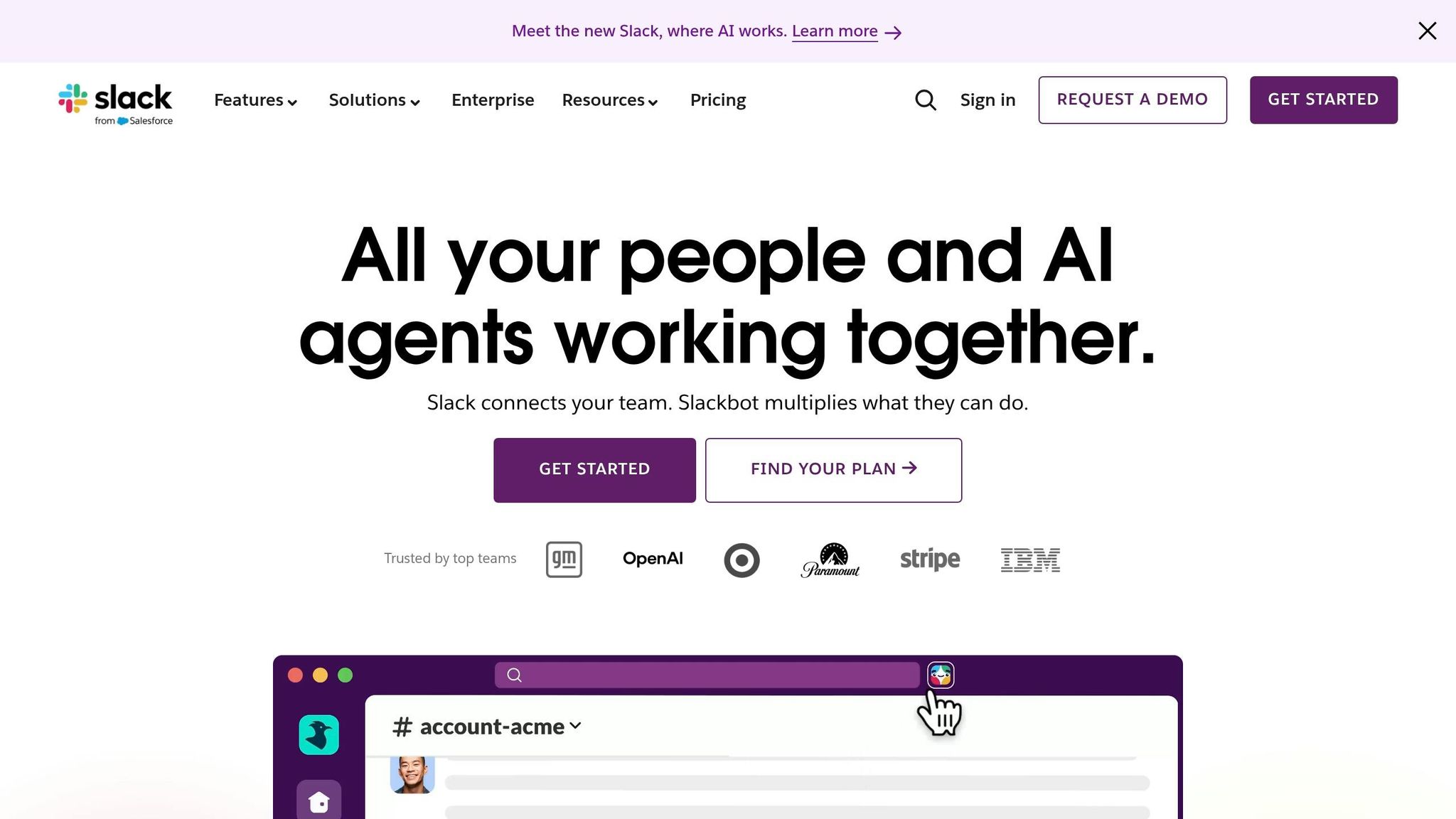
Ranger fits seamlessly into your existing tools, thanks to its integration with Slack and GitHub. Its review dashboard, inspired by GitHub's pull request system, enables teams to view evidence, leave comments, and approve changes collaboratively. Each verification includes detailed evidence - like screenshots, videos, and Playwright traces - to speed up bug resolution. If an issue is detected, Ranger automatically directs coding agents to iterate and fix the problem, creating a feedback loop that keeps development on track without constant interruptions. Teams also get real-time updates on test results and project status directly in Slack.
Hosted Infrastructure for Scalability
Ranger runs continuously in real browsers to ensure features perform as expected. Its hosted infrastructure takes care of browser management, evidence collection, and test execution, so you don’t have to manage your own automation setup. Verified feature reviews integrate seamlessly into continuous testing pipelines. A notable example is OpenAI's collaboration with Ranger in early 2025 during the development of the o3-mini model. Ranger’s web browsing harness enabled the model to perform and verify tasks through a browser interface, highlighting the platform’s ability to handle enterprise-scale verification needs.
With these capabilities, Ranger provides a scalable and reliable testing solution that integrates directly into continuous development workflows, ensuring smooth and efficient operations.
Overcoming Challenges in AI-Driven Testing
While AI has made testing faster and more reliable, it's essential to tackle the challenges that come with it to ensure top-notch quality throughout the testing process.
Managing Flaky Tests and UI Changes
Flaky tests can be a major headache for teams, often wasting time and resources. Studies show that around 2.5% of a developer’s productive time is spent dealing with flaky test failures. Back in 2016, Google noted that 16% of their 4.2 million tests exhibited some level of flakiness.
The reasons behind flaky tests are diverse. Nearly half (46.5%) of these failures stem from environment-related issues, such as limited CPU or memory resources in the CI environment, rather than actual code problems. Other common culprits include UI framework re-renders (like those in React or Angular), expired authentication tokens, or disruptions caused by interstitials such as cookie banners or GDPR modals.
AI offers solutions through self-healing mechanisms and probabilistic matching. By using advanced element recognition, AI can adapt to changes in selectors, keeping tests functional even when UI elements are modified. To ensure these fixes are effective, teams should collect debug bundles - like screenshots, URLs, DOM snapshots, and action logs - to confirm that self-healing addressed the issue.
Additionally, configuring tests to handle interstitials proactively - closing cookie banners or dismissing “what’s new” pop-ups - can prevent these interruptions from derailing the test flow. Using AI strategically in this way can reduce maintenance time by as much as 70–80%.
Once flaky tests are under control, the next step is scaling test coverage across the application efficiently.
Scaling Test Coverage
AI helps expand test coverage by prioritizing tests based on risk. Teams utilizing AI for test creation have reported speeds 5x to 10x faster than traditional scripting methods. Some organizations have even quadrupled their coverage while significantly reducing maintenance efforts.
AI can analyze code changes, commit histories, and past defect patterns to predict where testing is most needed. This ensures teams focus on critical user journeys, like the checkout process, instead of wasting time on stable features.
A good starting point is applying AI to a few key workflows - such as login or checkout - to validate its accuracy before scaling up. For instance, EVERSANA boosted deployment speed by 20x, reducing the process from days to hours. Similarly, Medallia achieved 100% test coverage and cut deployment cycles from hours to just five minutes per build.
Before scaling, it’s important to address any existing test debt. AI learns from patterns in training data, so inconsistent test cases or naming conventions can lead to reinforced issues instead of improvements. Transitioning to model-based AI testing might require a brief adjustment period of 2–4 weeks for engineers to move away from script-based approaches.
Monitoring Metrics with Predictive Analytics
As teams optimize test execution and coverage, keeping AI models updated is crucial. These models need regular retraining to stay effective. Without incorporating new feature data and evolving user behavior, they risk becoming outdated and missing defects - a challenge known as model drift.
Another issue is the "black box" nature of many AI tools, which can make it difficult to understand why certain tests were skipped or defects flagged. This lack of transparency can lead to mistrust among teams. To avoid this, it’s important to clean up outdated tests, address flaky failures, and standardize defect tagging so the AI learns from real problems rather than noise.
Instead of granting AI full control, use it for "decision support" while reserving critical decisions - like defect triage or test creation - for manual review. For example, assigning stability scores to test cases can help prioritize which ones need human attention versus those the AI can handle autonomously. Aligning AI retraining cycles with sprint releases also ensures the models stay in sync with the application’s behavior and new features.
AI works best as a tool to complement skilled testers, not replace them. By automating repetitive tasks and leaving complex decisions to humans, teams can achieve better results. However, maintaining high data quality is essential. If environment uptime drops below 99% or data seeding becomes inconsistent, AI might misinterpret every run as an anomaly instead of providing useful insights.
Conclusion
AI has transformed end-to-end testing from a frustrating bottleneck into a powerful accelerator for software development. With AI-native platforms, teams can achieve test creation speeds up to 10x faster than traditional scripted automation. Plus, self-healing technology addresses 81-90% of maintenance issues, freeing up valuable QA team resources for more strategic tasks. This shift is revolutionizing the way software quality assurance operates.
The key to success lies in combining AI's strengths - like pattern recognition and repetitive task execution - with human expertise for prioritizing critical workflows and validating business logic. Teams that treat AI as a capable assistant, handling repetitive tasks while humans focus on strategy, report 91% faster task completion and 44% higher ROI.
This hybrid approach is exemplified by Ranger, a platform that merges AI-driven test creation and maintenance with human-reviewed test code. It integrates seamlessly with tools like Slack and GitHub, offers scalable hosted infrastructure, and delivers real-time testing insights to catch bugs before they reach production. By automating repetitive QA tasks while keeping human oversight intact, Ranger enables faster, more reliable feature releases.
Adopting AI-driven testing reshapes workflows and drives innovation. Instead of focusing on individual scripts, teams can model business logic, achieving 40-60% efficiency improvements when following the 10-20-70 framework: 10% technology, 20% infrastructure, and 70% people and change management. Start small with pilot programs on critical workflows, define clear success metrics, and ensure your team is equipped to make the most of AI tools. This approach sets the foundation for long-term success in AI-powered testing.
FAQs
How do I pick the first user journeys to automate with AI?
Concentrate on workflows that are both crucial to your app’s performance and frequently used, like login, search, or checkout processes. These are the backbone of your application and often demand regular testing to ensure they run smoothly.
Begin with areas that are prone to fragile tests or require significant manual work - UI updates are a great example. Leveraging AI can help here. By analyzing your test repository and usage data, AI can pinpoint the most valuable user journeys. This approach not only helps you focus on what matters most but also maximizes return on investment while cutting down on maintenance efforts.
How does self-healing work when the UI changes?
Self-healing in test automation helps systems adjust automatically to changes in the user interface, significantly cutting down on maintenance efforts. Instead of relying solely on static locators like class names or IDs, it recognizes the intent behind UI elements. For example, if an element is renamed, the system can identify its new version by understanding its purpose. This ensures that tests continue to work smoothly with only minimal manual intervention, even when the UI evolves.
What should humans still review vs. leaving to AI?
AI is great at handling repetitive tasks like test execution and maintenance, but it’s not perfect. It can overlook deeper issues, such as backend bugs or logical errors - think of something like incorrect rounding in financial transactions. This is where human oversight becomes essential. Humans bring the ability to interpret results, understand intent, and evaluate the broader business context. By reviewing AI-driven testing results, people can identify inaccuracies in areas like intent, context, and business logic, ensuring that nothing critical slips through the cracks.
Related Blog Posts
Stop babysitting your coding agents. Use Ranger
%201%20(1).svg)
More signals, less noise, faster launches
Let Ranger be your guide to sustainable QA testing.

.png)