%201.svg)
How AI Improves QA Workflow Monitoring

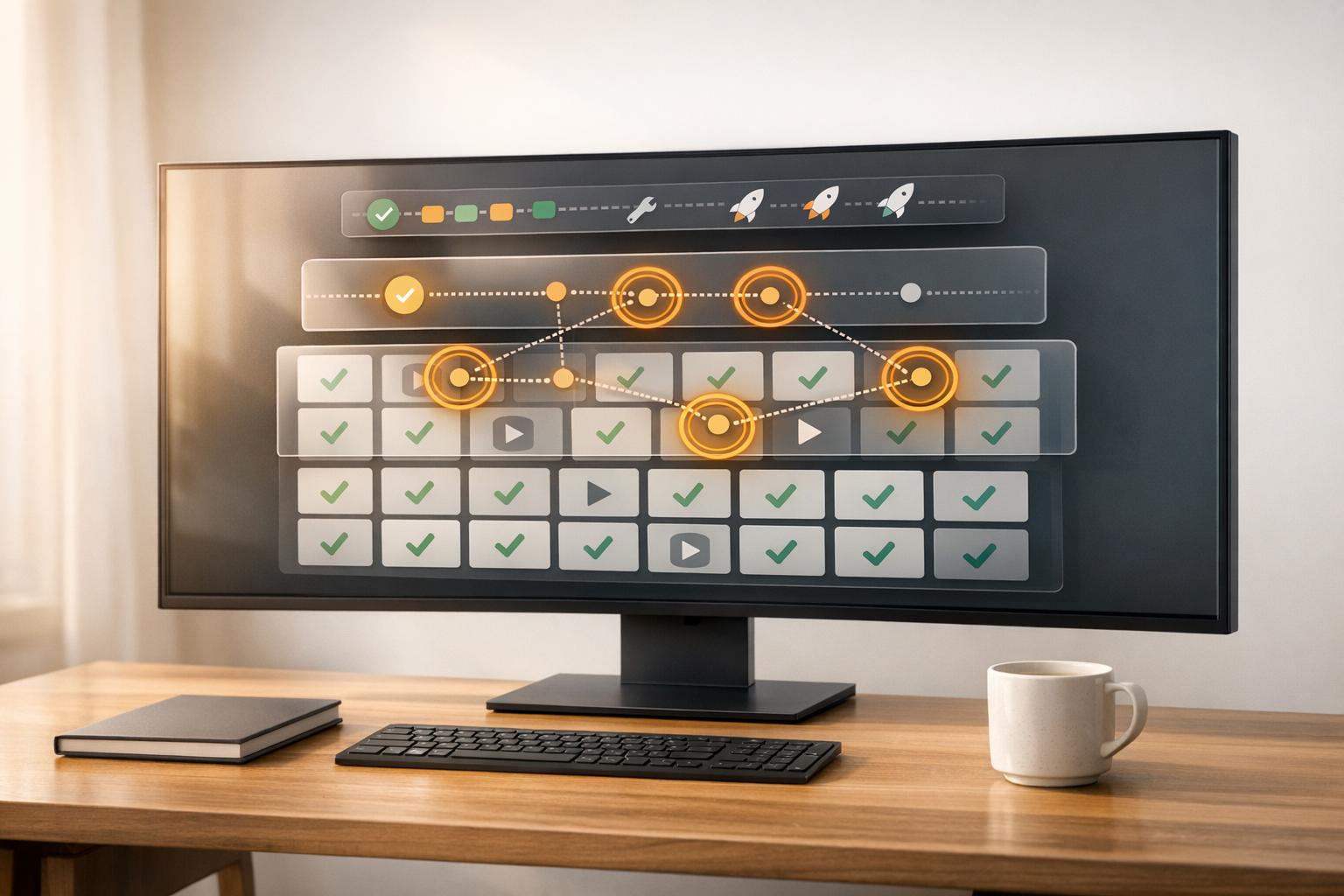
AI is transforming QA (Quality Assurance) workflows by automating repetitive tasks, predicting defects, and improving testing efficiency. Here's what you need to know:
- AI-driven testing tools identify high-risk areas, self-heal broken test scripts, and solve common test maintenance issues.
- Companies using AI in QA report up to 40% efficiency gains and 35% higher productivity.
- Tools like Ranger integrate with CI/CD pipelines, running only relevant tests after code changes to save time.
- AI detects flaky tests, reducing false failures and improving confidence in automation.
Key benefits include: faster feedback, fewer bugs in production, lower maintenance costs, and scalable testing processes. AI-powered QA ensures teams can keep up with the rapid pace of software development while maintaining quality.
AI Features That Enable Real-Time QA Monitoring
Automated Test Execution and Real-Time Monitoring
AI testing tools are transforming how quality assurance operates by collecting data from logs, APIs, and UI states. Using technologies like computer vision and natural language processing, these tools analyze and execute relevant test suites in real time, adapting to code changes as they happen.
One standout feature is diff-aware prioritization. When developers commit new code, AI pinpoints the specific changes and runs only the tests that are directly impacted. This speeds up feedback loops in CI/CD pipelines, eliminating the inefficiency of running thousands of unnecessary tests. As tests execute, the system also generates detailed defect reports, complete with tracebacks, screenshots, and steps to reproduce the issues.
By combining real-time execution with advanced analytics, AI doesn’t just improve efficiency - it helps identify and address defects before they grow into larger problems.
Defect Detection, Prediction, and Anomaly Detection
AI automates bug detection by taking a proactive approach by analyzing commit history, code churn, and past failures to identify high-risk areas. This shift from fixing issues after they occur to preventing them upfront is yielding impressive outcomes. For example, pre-trained models like CodeBERT have achieved F1 scores as high as 100% for SyntaxErrors.
Another major breakthrough is flake clustering, which tackles the issue of unreliable tests. AI identifies these flaky tests early on and groups failures by their root causes, whether due to timing problems, environmental inconsistencies, or fragile selectors. This approach prevents false negatives from stalling releases. For instance, Microsoft’s internal AI system flagged around 49,000 flaky tests, which helped them avoid nearly 160,000 false failures.
AI’s capabilities go even further by actively addressing problems through self-healing mechanisms and smarter visual validation.
Self-Healing Tests and Visual Regression Testing
When tests break due to UI updates, AI steps in to automatically adjust scripts, slashing maintenance costs by 50%. In addition, visual regression testing has advanced significantly. AI now distinguishes between meaningful UI/UX changes and minor, irrelevant variations, reducing regression cycle times by 70%. By catching test instability early, these tools help prevent small issues from escalating into costly challenges.
"Visual validation has always been a blind spot in testing... AI is changing that by enabling smarter visual checks that go beyond pixel-perfect screenshots or brittle DOM selectors." - Jeslyn Stiles, TestRail
AI-powered tools are reshaping how QA teams approach testing, making processes faster, more efficient, and less prone to errors.
sbb-itb-7ae2cb2
Generative AI for Software Testers | Revolutionize Your QA Workflow with AI Tools
Using Ranger for Better QA Workflow Monitoring

Traditional QA vs AI-Powered QA Monitoring Comparison
How Ranger Improves QA Monitoring with AI
Ranger combines the strengths of AI and human expertise to enhance QA monitoring. Its AI agents navigate your site to create adaptive Playwright tests, which QA professionals then review. This ensures the tests are not only functional but also maintain high readability and reliability. By blending automation with human oversight, Ranger bridges the gap left by fully automated systems - AI handles the bulk of the testing work, while human reviewers validate results to catch actual bugs and eliminate false positives.
The platform streamlines the entire testing lifecycle. When code changes are pushed to your repository, Ranger’s AI agents automatically generate and update tests to match evolving UI elements. It also uses automated triage to prioritize issues, saving teams time and effort.
"Ranger has an innovative approach to testing that allows our team to get the benefits of E2E testing with a fraction of the effort they usually require."
- Brandon Goren, Software Engineer, Clay
Ranger also manages the testing infrastructure, running browsers to execute tests in staging or preview environments. This removes the burden of maintaining testing environments, providing real-time feedback to identify bugs early in the development process.
With its adaptive test creation and automated workflows, Ranger fits seamlessly into any QA process.
Integrations with Slack, GitHub, and Other Tools
Ranger enhances your development workflow with integrations for Slack and GitHub. When linked to GitHub, test suites run automatically after code commits, with results displayed directly in the repository. This allows engineers to view and address test failures alongside the code changes. Slack integration keeps teams informed with real-time alerts, tagging relevant stakeholders when critical bugs arise, ensuring quick resolutions.
"They make it easy to keep quality high while maintaining high engineering velocity. We are always adding new features, and Ranger has them covered in the blink of an eye."
- Martin Camacho, Co-Founder, Suno
These integrations provide a centralized view of QA data, enabling teams to monitor test execution, track defect trends, and adjust workflows - all without switching between multiple tools.
Traditional QA Monitoring vs. Ranger AI-Powered Monitoring
Here's a comparison that highlights how Ranger outperforms traditional QA monitoring methods:
| Metric | Traditional QA Monitoring | Ranger AI-Powered Monitoring |
|---|---|---|
| Test Creation | Manual scripting or brittle automation | AI-powered adaptive testing via web agents |
| Maintenance | High manual upkeep; scripts break easily | Tests auto-update as the product evolves |
| Triage | Repetitive manual triage of failures | Automated triage that filters out noise and flaky tests |
| Infrastructure | Often managed internally | Fully hosted infrastructure provided |
| Review Process | Manual peer review or no review | AI-generated code reviewed by QA experts |
| Speed | Manual execution slows cycles | Automates tests and reduces execution time |
| Scalability | Limited by team size | Handles large-scale tests with self-healing capabilities |
| Cost Savings | High manual labor costs | Up to 70% less maintenance, ROI in 2-4 weeks |
Traditional QA monitoring often requires constant manual updates to scripts as the product evolves, leading to inefficiencies and higher costs. Ranger’s adaptive agents, on the other hand, automatically adjust to UI and code changes, cutting maintenance efforts by as much as 70%. Many teams report achieving ROI within 2-4 weeks due to faster execution and reduced manual work.
"I definitely feel more confident releasing more frequently now than I did before Ranger. Now things are pretty confident on having things go out same day once test flows have run."
- Jonas Bauer, Co-Founder and Engineering Lead, Upside
How to Implement AI Monitoring in Your QA Workflows
Evaluate Your Current QA Workflows and Data
Start by taking a close look at your existing QA processes to pinpoint inefficiencies and repetitive tasks. For instance, how much time do engineers spend updating test scripts after small UI tweaks? Are frequent fixes to Selenium or JUnit tests slowing things down? If your regression suite takes five hours to run, consider that AI test optimizers can cut this time to under 2.5 hours, even in complex setups involving microservices and multi-cloud environments. Also, review your defect detection methods - if you're relying solely on fixed pass/fail rules, you may be overlooking subtle anomalies. Analyze historical failures to identify high-risk areas and locate flaky tests that fail due to minor UI changes. These are great candidates for AI-powered self-healing tools.
Once you've mapped out your current workflows, you can begin integrating AI tools to streamline and improve these processes.
Connect AI Tools like Ranger to CI/CD Pipelines
After identifying inefficiencies, the next step is to integrate AI tools like Ranger into your CI/CD pipelines for smarter test automation. Here's how to get started:
- Generate an API token and add it to your platform's secret variables for secure communication.
- Update your CI/CD configuration file (e.g.,
.gitlab-ci.ymlfor GitLab orJenkinsfilefor Jenkins) to include AI-driven testing stages and specify the right environment. - Link Ranger to your source code repository using webhooks or Git APIs for real-time analysis of commits and pull requests.
Ranger uses change-impact analysis to identify and execute only the tests relevant to the latest commit, avoiding the need to run the entire regression suite. Start small by implementing this on a single module, allowing QA engineers to review and validate AI-generated tests during this phase. This approach helps build trust in the system. Additionally, ensure your pipeline collects test artifacts like screenshots, videos, and console logs to simplify debugging.
Configure Alerts, Dashboards, and Feedback Loops
Once automated test execution is in place, set up systems for real-time alerts and monitoring. Use Slack notifications to alert your team about critical issues immediately, reducing the need to constantly check dashboards. Integrate with GitHub to display test results directly alongside code changes, making it easier for engineers to address failures. Dashboards should track metrics like test execution times, failure rates, and defect trends. These insights can help you refine workflows and focus on high-risk areas.
To cut through the noise, implement automated triage systems that filter out flaky tests, allowing your team to concentrate on real issues. Finally, establish feedback loops by feeding test results back into your development process. For example, if Ranger detects recurring failure patterns, use that data to improve future test creation and code reviews. Over time, this will make your QA monitoring smarter and more effective.
Benefits and Metrics of AI-Optimized QA Workflows
Main Benefits of AI in QA Monitoring
AI transforms quality assurance (QA) from merely catching bugs after they occur to actively preventing them, which helps teams deliver features faster and with fewer interruptions. Today, 65% of QA professionals incorporate AI into their processes, with 43% reporting major boosts in productivity and test coverage, while 54% observe consistent performance gains. By automating repetitive tasks, AI reduces the manual workload, freeing up engineers to tackle intricate scenarios that demand human expertise.
"AI QA refers to the integration of artificial intelligence and machine learning into quality assurance workflows. Practically speaking, it's about using AI to take repetitive tasks off the QA team's plate - giving them more time to focus on activities that require human interaction."
– Patrícia Duarte Mateus, Solution Architect and QA Advocate, TestRail
AI tools bring precision to the testing process by analyzing factors like code churn, commit frequency, and historical defect patterns. This allows QA teams to prioritize testing in areas most prone to issues, ensuring their efforts are concentrated where they matter most. These benefits aren't just theoretical - they're backed by measurable improvements.
Measurable Metrics for Success
To gauge the effectiveness of AI in optimizing QA workflows, tracking specific metrics is crucial. One key metric is test debt velocity, which reflects how quickly test scripts become outdated as the product evolves - a vital measure of the maintenance burden. Another is defect prediction accuracy, which indicates how well AI identifies high-risk areas before bugs make it to production. Additionally, bug triage efficiency, enhanced by natural language processing (NLP) tools, groups related issues more effectively, cutting through backlog noise and speeding up resolutions.
| Metric Category | Specific KPI | Industry Benchmark/Context |
|---|---|---|
| Maintenance | Test Debt Velocity | Tracks the rate at which test scripts require updates |
| Quality | Defect Prediction Accuracy | Measures AI's ability to identify high-risk areas |
| Stability | Flakiness Trends | Detects patterns in non-deterministic test failures |
| ROI | Risk-Based Test ROI | Evaluates tests that catch critical bugs versus false positives |
Risk-based test ROI stands out as it identifies tests that consistently catch critical bugs while minimizing false positives. Monitoring flakiness trends also helps teams pinpoint unreliable tests and focus on improving their stability. Together, these metrics highlight the tangible benefits AI-powered tools bring to QA processes.
Specific Benefits and Outcomes with Ranger
The metrics above illustrate how tools like Ranger deliver results by combining AI-driven automation with human oversight. For example, Ranger’s human-reviewed test code ensures reliability and maintainability, while its automated bug triaging intelligently groups related issues and filters out noise from flaky tests, allowing teams to address critical problems faster.
Ranger also simplifies infrastructure management with its hosted test environments, providing scalable capacity without the hassle of maintaining servers. It integrates seamlessly with platforms like Slack, offering real-time testing updates directly within team communication channels, and with GitHub, where test results are displayed alongside code changes for better insights into failure causes. These features shift QA from being a bottleneck to a proactive system that identifies and addresses problems before they reach users.
"AI is set to enhance efficiency, accuracy, and decision-making without replacing human expertise."
– Hannah Son, TestRail
With centralized reporting, Ranger ensures full visibility into both AI-generated and manual tests, giving teams control over test history while benefiting from the speed and efficiency of automation. This balance of automation and human input helps QA teams stay ahead of potential issues and maintain high-quality standards.
Conclusion
Main Takeaways
AI is transforming QA monitoring from a reactive process into a proactive one, where AI prevents late-stage bugs before they can disrupt releases. The advantages are straightforward: greater precision through automated defect detection and anomaly prediction, quicker feedback cycles via real-time monitoring and automated test execution, and less manual effort thanks to self-healing tests that adapt automatically to code changes. By continuously analyzing test runs, AI ensures issues are flagged early in the development process.
These measurable benefits highlight AI's ability to simplify QA workflows. Teams tracking metrics like test coverage, defect detection rates, and execution times report steady progress. AI focuses testing on high-risk areas by analyzing code churn and historical defect patterns, saving QA engineers from repetitive tasks and allowing them to tackle more complex issues. With these capabilities, Ranger demonstrates how QA monitoring can scale to match the demands of fast-paced development cycles.
How Ranger Supports Scalable QA Monitoring
Ranger showcases how AI-powered QA monitoring can scale effectively with modern development speeds. Its hybrid "cyborg" approach combines AI-generated Playwright tests with human oversight, ensuring tests remain clear, reliable, and easy to maintain as your product evolves. The platform takes care of the testing infrastructure - managing browsers, environments, and even adapting to UI changes automatically - so your team can focus on building.
Ranger integrates seamlessly with tools like GitHub and Slack, triggering tests with every code change and sending real-time alerts. This eliminates distractions from flaky tests or environmental hiccups, so engineers can concentrate on resolving actual product issues. As Martin Camacho, Co-Founder of Suno, explains:
"They make it easy to keep quality high while maintaining high engineering velocity. We are always adding new features, and Ranger has them covered in the blink of an eye." - Martin Camacho, Co-Founder, Suno
If manual QA bottlenecks are slowing you down, Ranger offers a way to scale your testing without increasing effort. By integrating seamlessly into your CI/CD pipeline, Ranger helps teams ship features faster while ensuring critical workflows remain intact as your product evolves.
FAQs
How does AI help identify and focus on high-risk areas in QA testing?
AI brings a smarter edge to QA testing by diving into historical test data, recent code updates, and defect patterns to identify spots most likely to fail. By focusing on these high-risk areas, AI ensures that the most critical tests are tackled first, cutting down on wasted effort and speeding up the process.
This method doesn’t just make testing more efficient - it also helps teams catch major issues sooner, saving time and boosting the overall quality of the software.
What advantages does Ranger bring to QA workflow monitoring?
Ranger improves QA workflows by using AI-powered automation to catch bugs in real time, anticipate potential failures, and update test scripts automatically. This means teams can spot problems quicker, cut down on manual work, and maintain more dependable testing procedures.
On top of that, Ranger works effortlessly with tools like Slack and GitHub, making it easier for teams to coordinate and simplify their testing processes. By blending automation with human input, Ranger provides precise, practical insights that help software teams save time and release features with greater confidence.
How does an AI-powered tool like Ranger enhance QA workflows in CI/CD pipelines?
AI-powered tools like Ranger fit seamlessly into CI/CD pipelines, streamlining the testing process. By automating tasks like test creation, maintenance, and bug detection, they cut down on manual work and boost overall efficiency. Ranger also offers real-time alerts and integrates with platforms such as Slack and GitHub, ensuring teams get instant updates on test results, failures, and bugs - right within their existing workflows.
What sets Ranger apart is its ability to elevate continuous testing. With AI-driven features, it prioritizes test cases based on risk, predicts potential failures, and utilizes self-healing scripts that adjust to UI changes. This reduces maintenance efforts and speeds up feedback loops, enabling teams to roll out features faster without compromising on quality.
Related Blog Posts
Stop babysitting your coding agents. Use Ranger
%201%20(1).svg)
More signals, less noise, faster launches
Let Ranger be your guide to sustainable QA testing.

.png)