%201.svg)
Test Script Converter for Automation

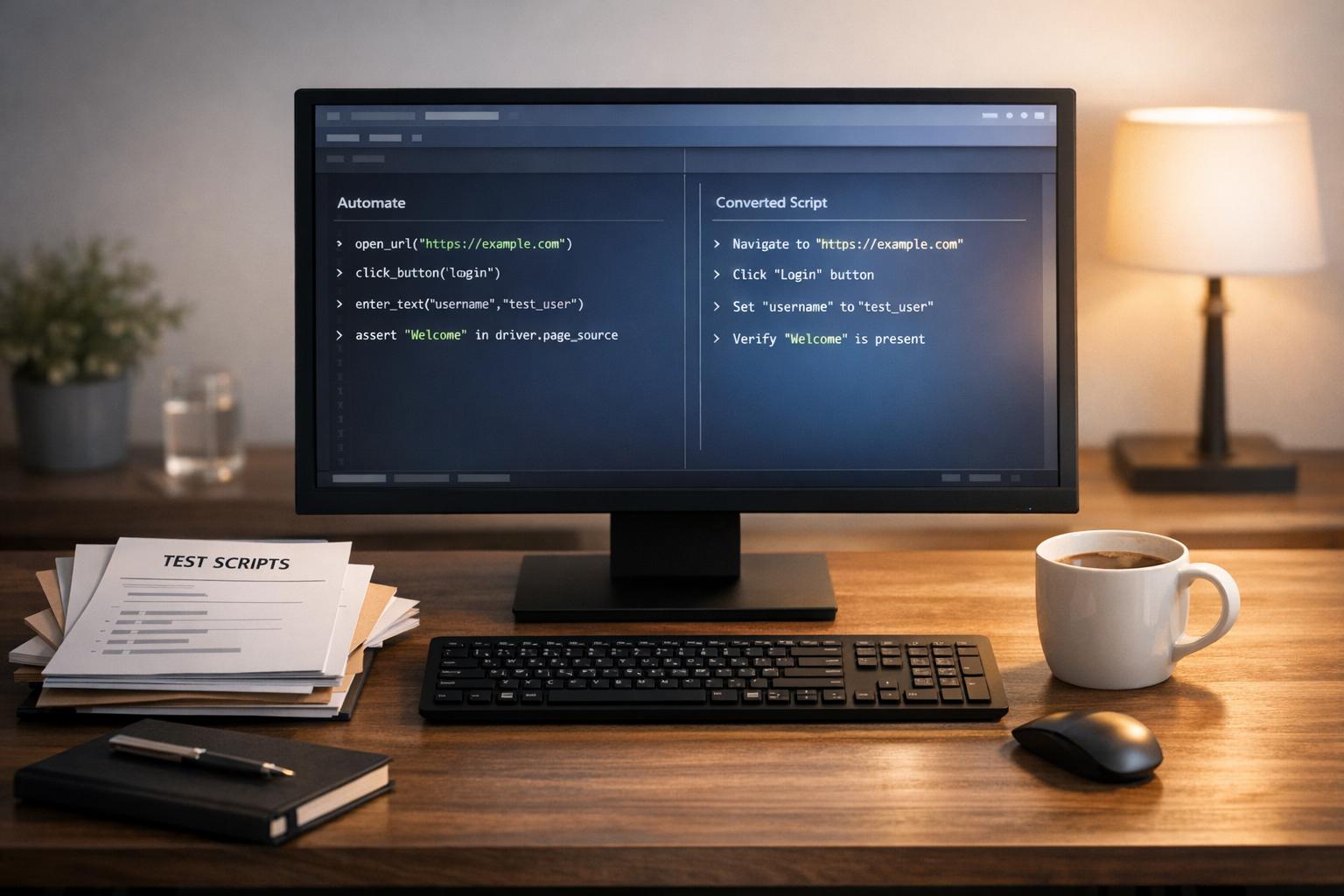
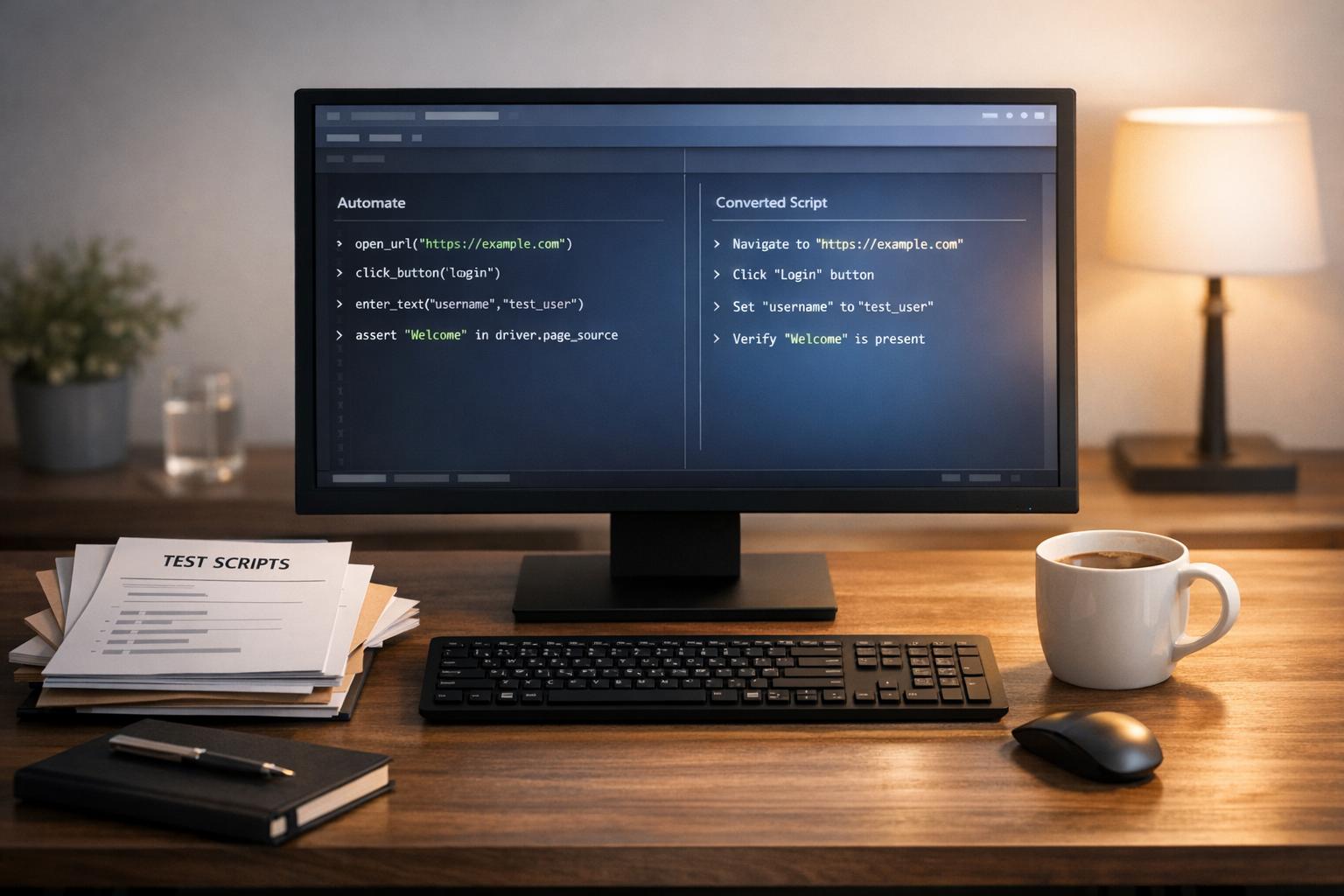
Simplify Testing with a Test Script Converter
In the fast-paced world of software development, automating repetitive tasks is a game-changer. For testers and developers, converting manual test instructions into automated code can feel like a slog. That’s where a tool designed to bridge this gap comes in handy. Imagine pasting a list of plain English steps and getting a rough draft of code tailored to frameworks like Selenium or Cypress. It’s not just about saving time—it’s about making automation accessible, even if you’re not a coding wizard.
Why Automation Matters
Manual testing has its place, but as projects grow, it becomes a bottleneck. A solution that transforms written steps into usable scripts can shave hours off your workflow. Whether you’re working on web or mobile apps, having a head start on automation scripts means faster iterations and fewer errors. Plus, with support for multiple frameworks, you’re not locked into a single way of working. Tools like these aren’t perfect yet—some manual tweaking is often needed—but they’re a powerful ally for any testing team looking to level up efficiency without a steep learning curve.
FAQs
How accurate is the Test Script Converter's output?
The tool does a solid job of mapping common actions like clicks or input fields to the syntax of your chosen framework, whether it's Selenium, Cypress, or Appium. That said, manual test scripts can vary widely in detail and style, so the output is meant as a strong starting point. You'll likely need to tweak the code—think of it as a first draft that cuts down your workload significantly.
Which automation frameworks does this tool support?
Right now, the converter works with three popular frameworks: Selenium, Cypress, and Appium. These cover a wide range of testing needs, from web to mobile apps. We're looking to add more frameworks down the line based on user feedback, so let us know if there's one you'd like to see!
Can I use this tool for complex test scenarios?
This tool shines with straightforward test steps—things like clicking buttons, entering text, or verifying elements. For more complex scenarios with loops, conditionals, or custom logic, the output might need a fair bit of manual adjustment. It’s best used as a time-saver for simpler scripts or as a learning aid if you’re new to automation.
Stop babysitting your coding agents. Use Ranger
%201%20(1).svg)
More signals, less noise, faster launches
Let Ranger be your guide to sustainable QA testing.

.png)