%201.svg)
Test Plan Generator for QA Teams

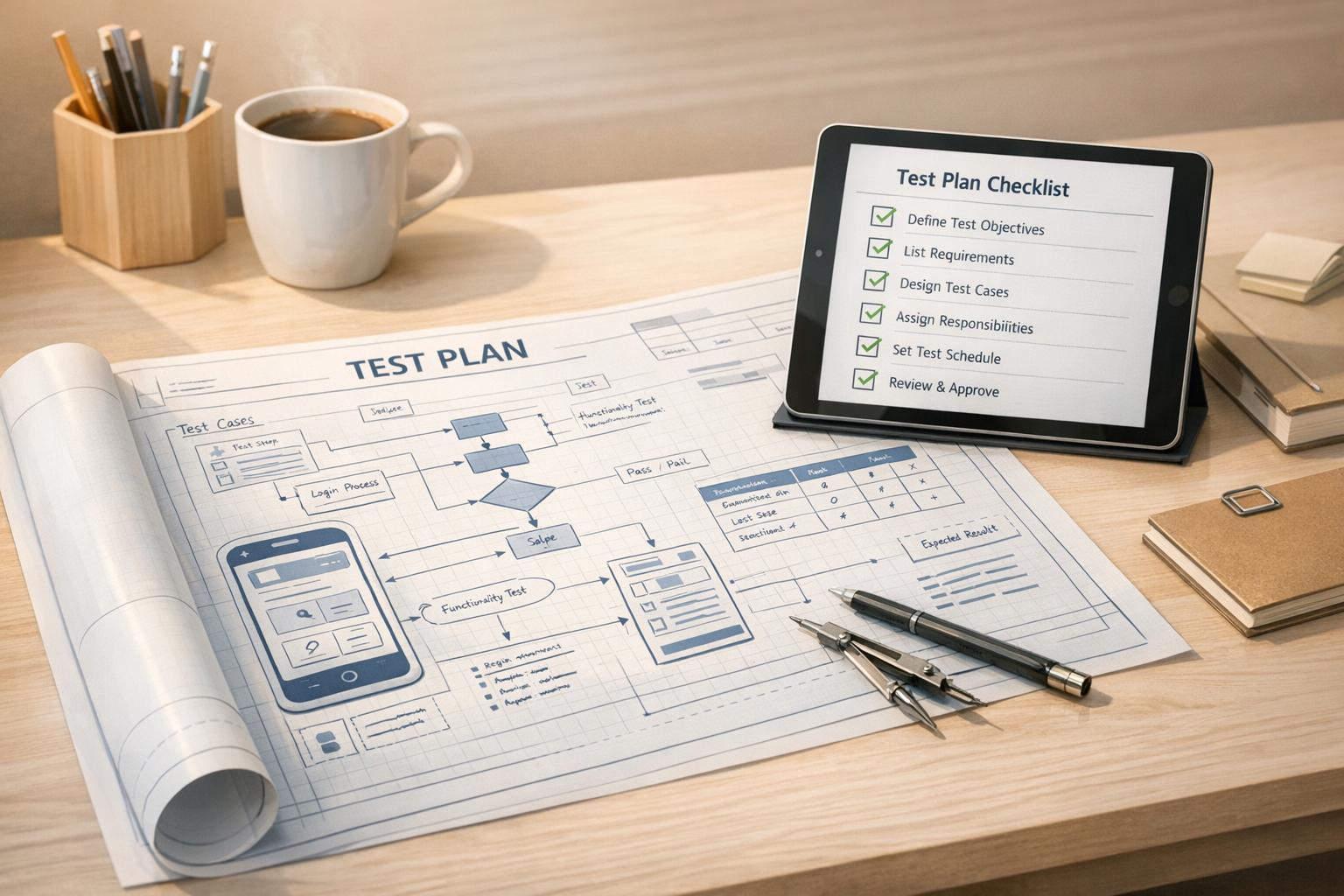
Streamline Software Testing with a Custom Test Plan Builder
Creating a robust testing strategy is a cornerstone of successful software development, yet it often feels like a daunting task for QA teams. A well-structured test plan ensures that every aspect of a project—from functionality to user experience—is thoroughly evaluated before launch. For professionals juggling multiple projects, manually drafting these plans can eat up valuable time. That’s where a dedicated tool for generating test outlines comes in handy, offering a quick way to organize objectives, scope, and deliverables without sacrificing quality.
Why Structured Planning Matters in QA
Software projects vary widely in complexity, but one thing remains constant: the need for clarity. A detailed testing roadmap helps teams identify potential issues early, allocate resources effectively, and meet deadlines with confidence. By using a digital solution to build these plans, QA managers can focus on execution rather than paperwork. This approach not only boosts efficiency but also improves collaboration, as everyone on the team can access a clear, professional document. Whether you’re testing a mobile app or a web platform, having a tailored framework is key to delivering reliable results.
FAQs
Who can benefit from using this Test Plan Generator?
This tool is perfect for software testers, QA managers, and project leads who need to create structured test plans without spending hours on formatting. Whether you’re working on a small app or a complex system, it helps organize your testing strategy. Even if you’re new to QA, the intuitive design guides you through the process, ensuring you cover all critical areas like scope, objectives, and deliverables.
Can I customize the test plan after it’s generated?
Absolutely! The generated plan is fully editable. You can tweak sections, add specific test cases, or adjust timelines as your project evolves. Think of it as a solid starting point that you can build on. If you didn’t input all details upfront, the tool includes placeholders so you can fill in the gaps later without starting from scratch.
Does the tool support different types of testing?
Yes, it’s designed to handle a variety of testing types like functional, regression, usability, and more. When you input your project details, just select or specify the types you’re focusing on, and the tool will tailor the plan accordingly. It ensures each testing category gets the right attention in the outline, so your team knows exactly what to prioritize.
Stop babysitting your coding agents. Use Ranger
%201%20(1).svg)
More signals, less noise, faster launches
Let Ranger be your guide to sustainable QA testing.

.png)