%201.svg)
Test Case Template Creator for QA Teams

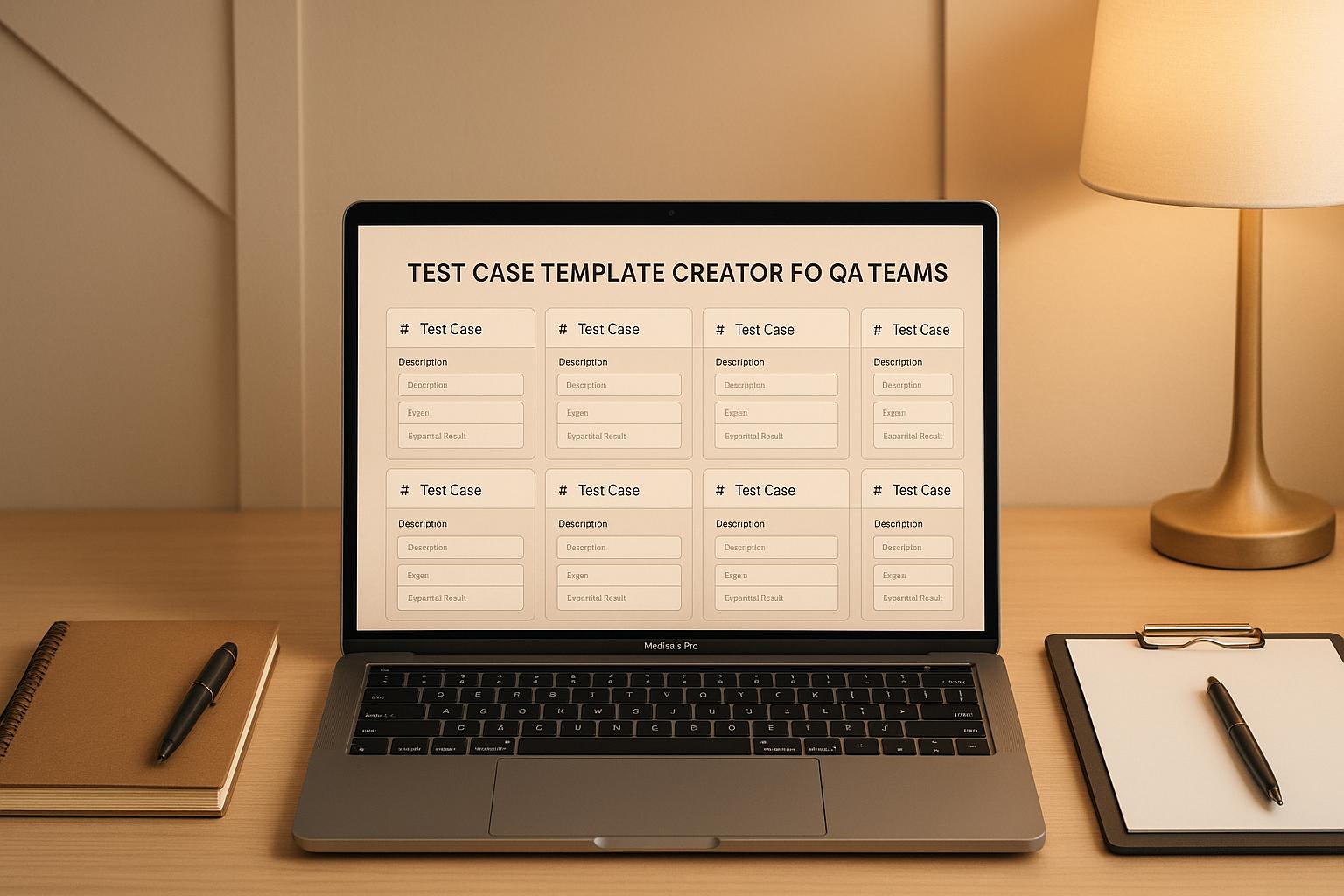
Streamline Your QA Process with a Test Case Builder
If you’re in quality assurance, you know how vital well-structured documentation is to a smooth testing process. Creating detailed test case outlines from scratch can eat up hours of your day—time better spent on actual testing. That’s where a dedicated tool for crafting test case templates comes in handy. It’s all about efficiency: input your key details, like scenarios and expected outcomes, and let the system organize everything into a professional format.
Why Structured Test Documentation Matters
Good documentation isn’t just paperwork; it’s the backbone of effective software testing. A clear layout with defined steps and criteria helps teams spot issues faster and communicate results without confusion. Tools that automate this process are becoming essential for QA pros who juggle multiple projects. They cut down on repetitive tasks, letting you focus on ensuring the product works as intended. Whether you’re validating a new feature or running regression checks, having a reliable way to build test outlines can transform your workflow. Try it out and see how much smoother your next project runs!
FAQs
What makes this Test Case Template Creator different from manual templates?
Unlike static templates you download and edit, this tool dynamically builds a test case document based on your specific inputs. It ensures you don’t miss critical fields like test scenarios or expected results by alerting you to incomplete sections. Plus, the output is formatted for clarity—think neat tables or numbered steps—that you can plug straight into your workflow without extra tweaking.
Can I use this tool for different types of testing projects?
Absolutely! Whether you’re working on functional, regression, or user acceptance testing, this tool adapts to your needs. Just fill in the relevant details for your project—test steps, preconditions, or pass/fail criteria—and it’ll organize everything into a professional format. It’s flexible enough for small apps or complex software systems.
Is there a way to save or export the templates I create?
Right now, the tool focuses on generating templates you can copy and paste directly into your preferred system, like a doc or testing software. We’re working on export options for the future, but for now, the output is super easy to transfer manually. Just grab the text and drop it wherever you need it!
Stop babysitting your coding agents. Use Ranger
%201%20(1).svg)
More signals, less noise, faster launches
Let Ranger be your guide to sustainable QA testing.

.png)