%201.svg)
Software Testing Checklist Maker Simplified

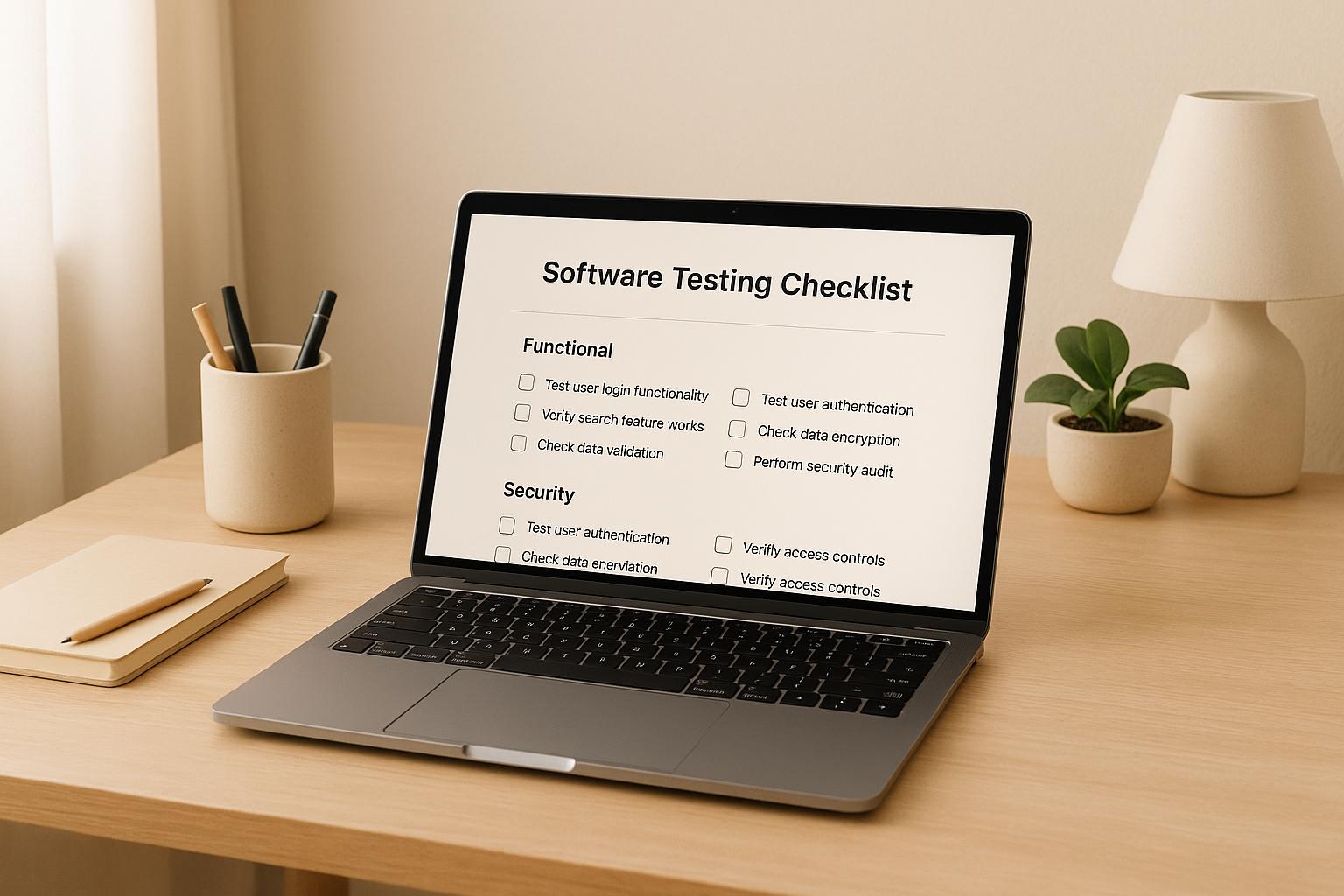
Streamline Your QA with a Custom Software Testing Checklist
When it comes to software development, quality assurance is the backbone of a successful launch. Creating a thorough plan for testing can feel overwhelming, especially with so many aspects to cover—think functionality, user experience, speed, and security. That’s where a tailored approach to building checklists becomes a game-changer. By organizing tasks into clear categories, you ensure nothing slips through the cracks, whether you’re a solo tester or managing a large team.
Why Customization Matters in Testing
Every project has its quirks. A mobile app might need heavy focus on usability across devices, while a financial platform demands airtight security checks. Using a tool to craft a personalized QA checklist lets you prioritize what matters most for your specific goals. It cuts through generic templates and gives you control over the process. Plus, having a well-structured list boosts collaboration—everyone knows their role.
Save Time and Stay Organized
Manually drafting testing plans eats up valuable hours. With the right resource, you can quickly map out phases and tasks, leaving more time to focus on execution. A custom software testing guide isn’t just a list; it’s your roadmap to delivering polished, reliable software that users trust.
FAQs
Can I customize the checklist for different types of software projects?
Absolutely! This tool is designed with flexibility in mind. You can pick from preset categories like functional or performance testing, or create your own based on your project’s needs. Add specific tasks or edit the default ones to match the unique requirements of web apps, mobile apps, or enterprise software. It’s all about making the checklist work for you.
Does the tool save my checklists for future use?
Right now, the tool generates checklists that you can copy or download for reference. We’re working on a feature to save and revisit your lists, but for the moment, just keep a copy of your output handy. It’s super easy to recreate or tweak a checklist if you need to make changes for another project.
What if I forget to add a category or task before generating the checklist?
No worries—we’ve got you covered. The tool checks to make sure you’ve selected at least one category or task before creating the list. If something’s missing, it’ll prompt you to add the necessary details. This way, you won’t end up with an empty or incomplete checklist, saving you from any oversight.
Stop babysitting your coding agents. Use Ranger
%201%20(1).svg)
More signals, less noise, faster launches
Let Ranger be your guide to sustainable QA testing.

.png)