%201.svg)
Software Defect Density Analyzer Tool

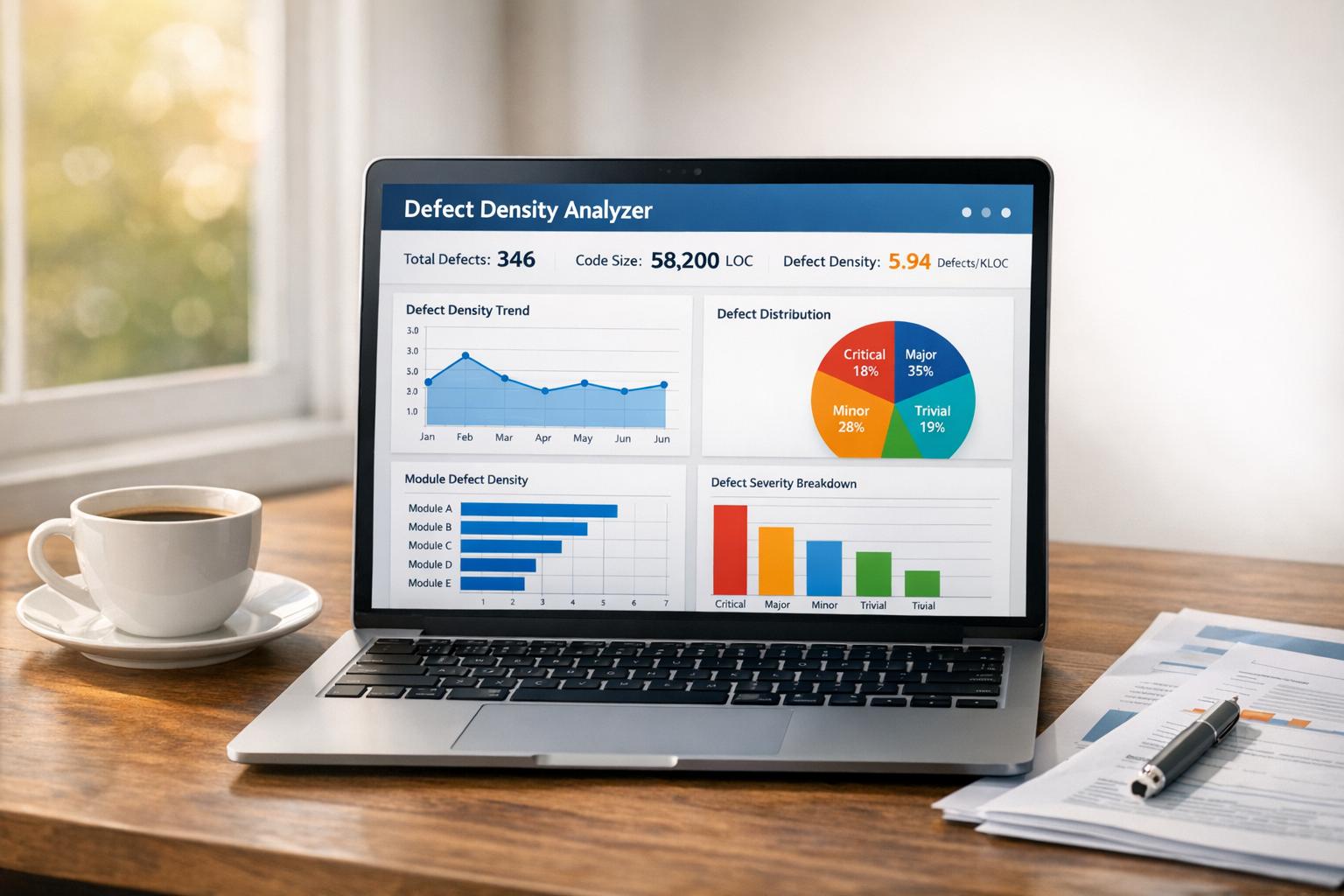
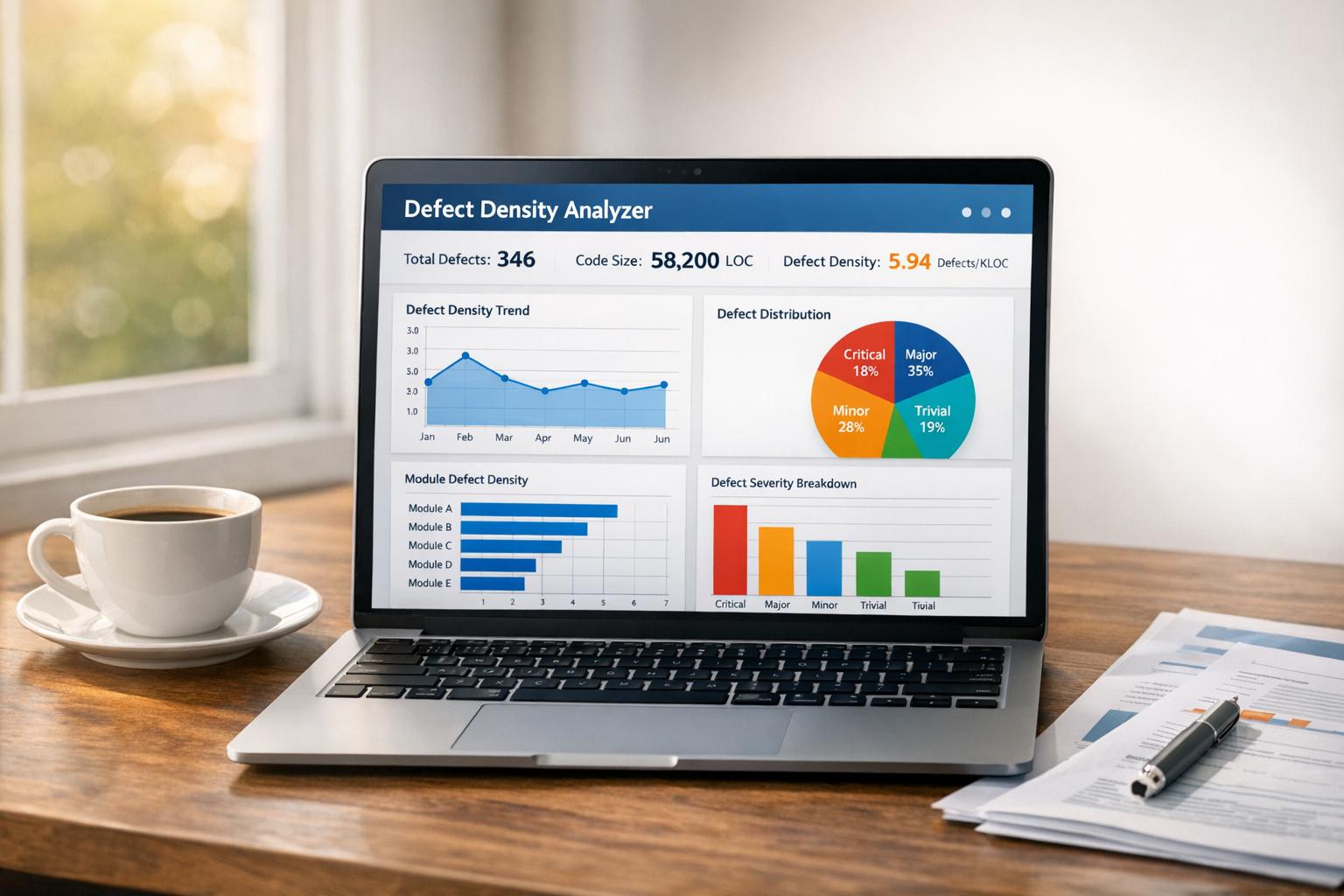
Uncover Software Quality with a Defect Density Analyzer
In the fast-paced world of software development, ensuring top-notch quality is non-negotiable. That’s where a tool to measure defect density comes in—a simple yet powerful way to assess how many flaws exist in your codebase relative to its size. This metric can be a wake-up call or a pat on the back, depending on your results.
Why Defect Metrics Matter
Tracking the number of issues per unit of code (like per 1,000 lines) helps developers and QA teams pinpoint problem areas. It’s not just about counting bugs; it’s about understanding the health of your project. A high defect ratio might mean rushed coding or insufficient testing, while a low one suggests robust processes. Armed with this data, you can make informed decisions—whether to allocate more resources for debugging or to push forward with confidence.
Beyond Numbers: Real Insights
Tools that evaluate software flaws offer more than raw stats. They provide clarity on whether your project meets industry benchmarks. For teams striving to deliver reliable applications, using a quality assessment calculator is a step toward excellence. It’s about building trust with users by ensuring your product performs as promised.
FAQs
What exactly is defect density, and why does it matter?
Defect density measures the number of defects per unit of software size, like per 1,000 lines of code. It’s a key indicator of software quality. A lower density often means cleaner, more reliable code, while a higher number might signal areas needing attention. This metric helps teams focus their efforts on improving weak spots before a product goes live.
How are the quality ratings determined in this tool?
Our tool uses industry-standard thresholds to rate your software’s quality. For example, if defect density is below 1 per 1,000 lines of code, it’s rated 'Good.' Between 1 and 3, it’s 'Average,' and above 3, it’s 'Poor.' These ratings give you a quick snapshot of where your project stands and what might need urgent fixing.
Can I use this tool for any software project phase?
Absolutely! Whether you’re in development, testing, or even production, this analyzer works for any stage. It adjusts the context of the analysis based on the phase you select, so you get relevant insights. It’s especially handy during testing to catch issues early, but it’s just as useful post-launch to monitor ongoing quality.
Stop babysitting your coding agents. Use Ranger
%201%20(1).svg)
More signals, less noise, faster launches
Let Ranger be your guide to sustainable QA testing.

.png)