%201.svg)
QA Metrics Analyzer for Testing Insights

Unlock Better Testing with a QA Metrics Analyzer
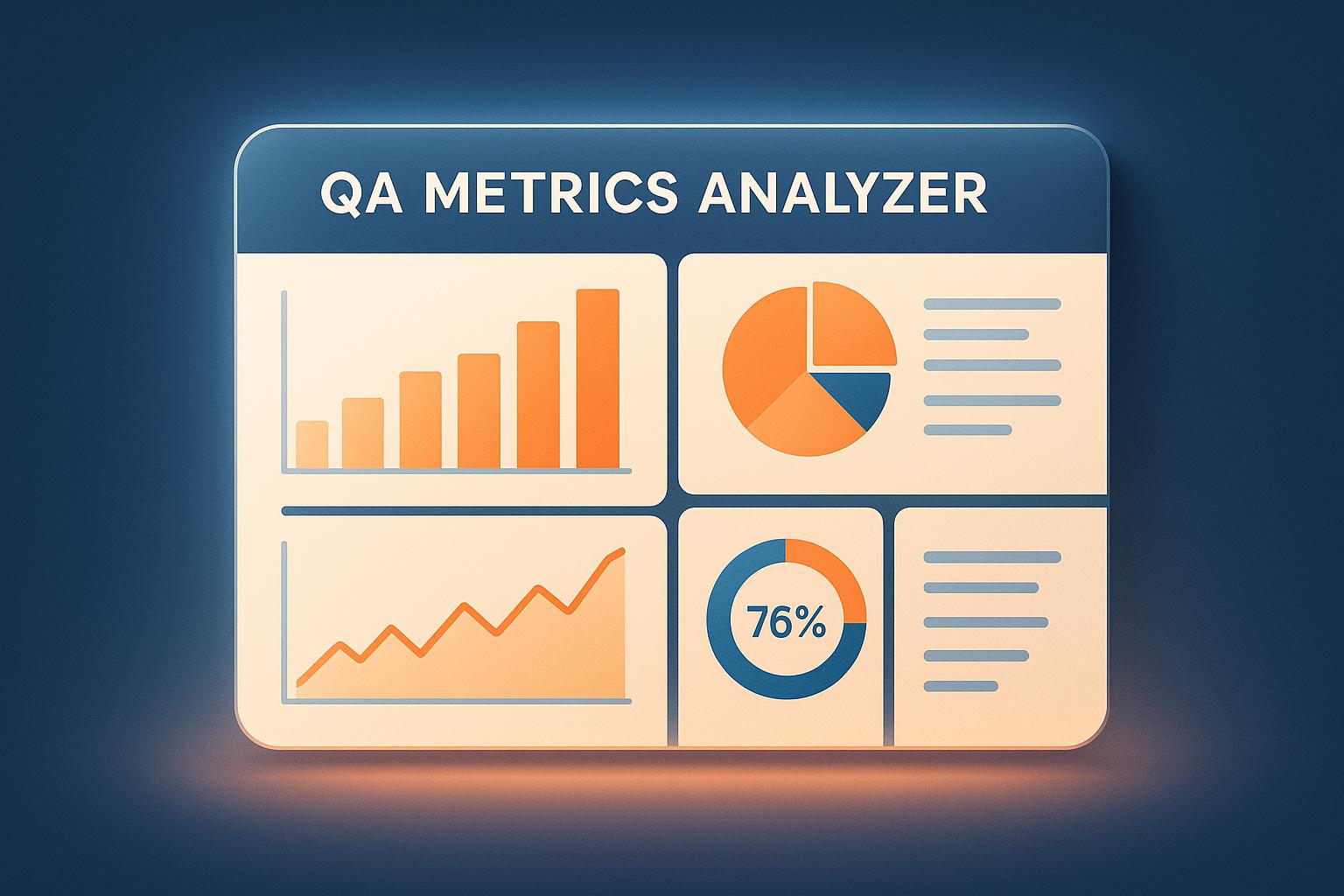
Quality assurance is the backbone of any solid software project, but keeping tabs on testing performance can feel like a chore. That’s where a tool like the QA Metrics Analyzer comes in handy. It transforms raw data—think test case counts and defect numbers—into meaningful insights that help teams refine their approach.
Why Tracking QA Metrics Matters
Without a clear view of your testing stats, you’re basically guessing where issues lie. A good analysis tool calculates key figures like pass rates and defect density, painting a picture of what’s working and what’s not. For instance, spotting a high failure rate in a specific module lets you prioritize fixes before they snowball. It’s not just about numbers; it’s about smarter workflows.
Visuals Make Data Actionable
Beyond crunching numbers, the right software testing tracker often includes charts or bars to visualize trends. This means less time decoding spreadsheets and more time acting on weak points. Whether you’re a solo tester or part of a larger squad, having a reliable way to monitor quality metrics can save hours and boost confidence in your releases. Give it a try and see the difference!
FAQs
What kind of data do I need to use this QA Metrics Analyzer?
You’ll need a few basics to get started—total number of test cases, how many passed or failed, defect counts, and test execution time if you’ve got it. The tool checks for critical inputs like total test cases and prompts you if something’s missing. That way, you’re not stuck with incomplete results. Even with minimal data, it’ll still give you a solid snapshot of your QA health.
How does this tool help improve my QA process?
Glad you asked! This analyzer breaks down complex testing data into simple metrics like pass and failure rates or average defects per test. It highlights problem spots—like areas with high defect density—so you know exactly where to dig deeper. Plus, the visual aids make it easy to share insights with your team or stakeholders without wading through spreadsheets.
Is this tool suitable for small QA teams?
Absolutely, it’s built for teams of any size. If you’re a small crew, you’ll love how it streamlines tracking without overwhelming you with features you don’t need. Just plug in your numbers, and you’ve got clear, actionable feedback in seconds. It’s like having a QA consultant on hand, minus the hefty price tag.
Stop babysitting your coding agents. Use Ranger
%201%20(1).svg)
More signals, less noise, faster launches
Let Ranger be your guide to sustainable QA testing.

.png)