%201.svg)
QA Effort Estimator for Testing Teams

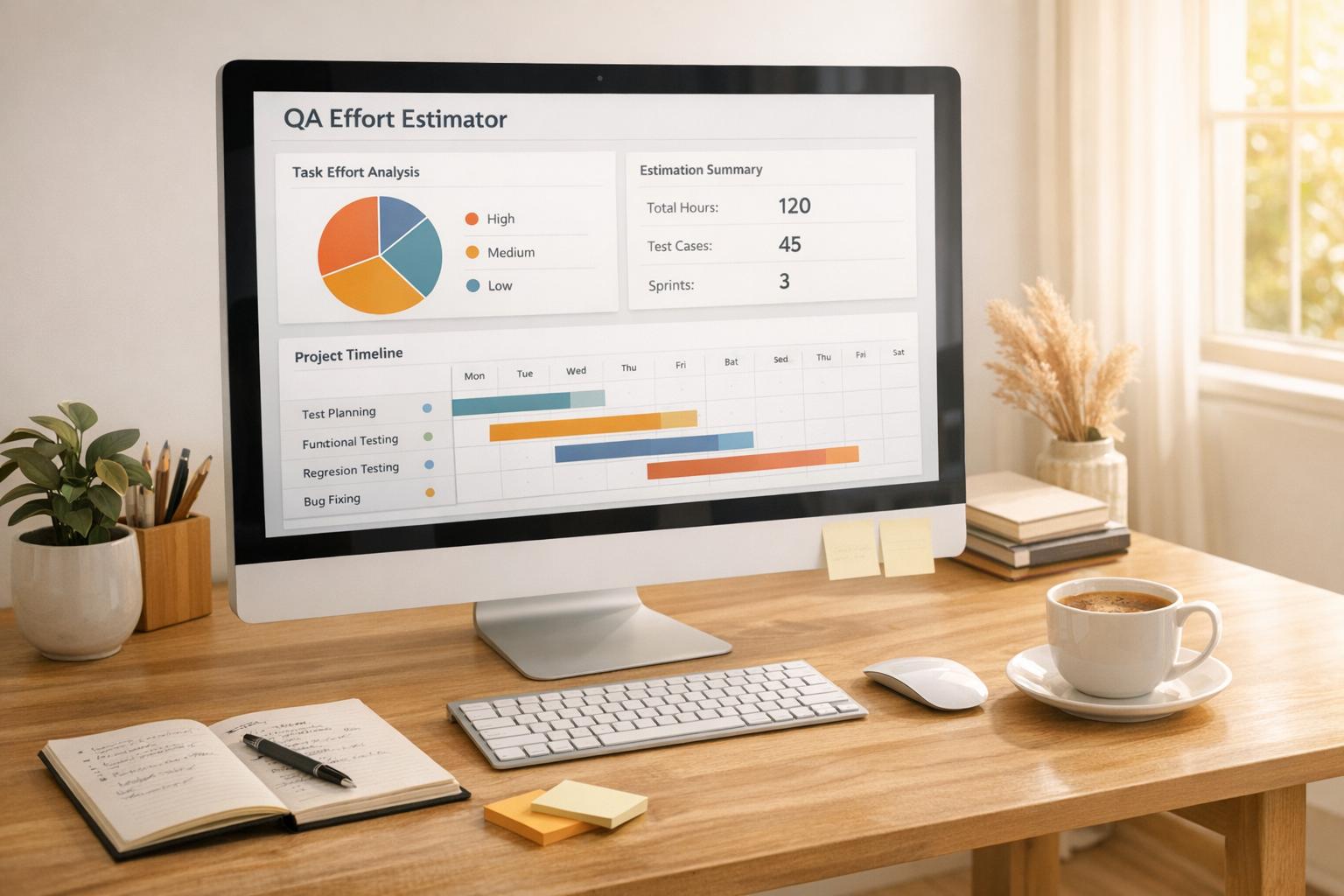
Plan Smarter with a QA Effort Estimator
When it comes to quality assurance, knowing how much time and resources a project will demand can make or break your timeline. That’s where a reliable testing effort calculator comes in handy. It’s not just about crunching numbers—it’s about giving your team the clarity to prioritize and execute without last-minute surprises.
Why Estimation Matters in QA
Testing is often the unsung hero of software development, catching issues before they reach users. But underestimating the workload can lead to rushed jobs or missed bugs. By using a tool to gauge the effort required for QA tasks, you ensure that every test case gets the attention it deserves. Imagine inputting details like team size and complexity, then instantly seeing how many hours you’ll need. It’s a simple step that saves headaches down the line.
Beyond Numbers: Strategic Insights
A good estimation tool doesn’t just spit out hours; it helps you strategize. You’ll know if you need to onboard more testers or adjust deadlines. For any project manager or QA lead, this kind of foresight is invaluable. So, next time you’re mapping out a testing phase, let a dedicated calculator guide your planning and keep your team on track.
FAQs
How does the QA Effort Estimator account for testing complexity?
Great question! The tool adjusts the total testing time based on the complexity level you select. If you pick 'Low,' there's no extra time added. For 'Medium,' it bumps up the estimate by 20% to account for additional challenges. And for 'High,' it adds 40% since those projects often involve more intricate scenarios or debugging. This way, you get a realistic picture of the effort needed.
What happens if I enter invalid data, like zero testers?
No worries, we've got you covered. If you input something like zero testers or a negative number of test cases, the tool won't just crash or give weird results. Instead, it'll show a friendly error message explaining what's wrong—like 'Please enter at least one tester'—so you can fix it and try again. It’s all about making the process smooth for you.
Can this tool help with small QA projects too?
Absolutely! Whether you’ve got a tiny project with just a handful of test cases or a massive one with hundreds, this estimator works just as well. It’s designed to scale with your needs, giving you accurate effort breakdowns no matter the size. Plus, it’s super handy for quick checks when you’re pitching timelines to stakeholders or juggling multiple tasks.
Stop babysitting your coding agents. Use Ranger
%201%20(1).svg)
More signals, less noise, faster launches
Let Ranger be your guide to sustainable QA testing.

.png)