%201.svg)
Bug Severity Estimator for Developers

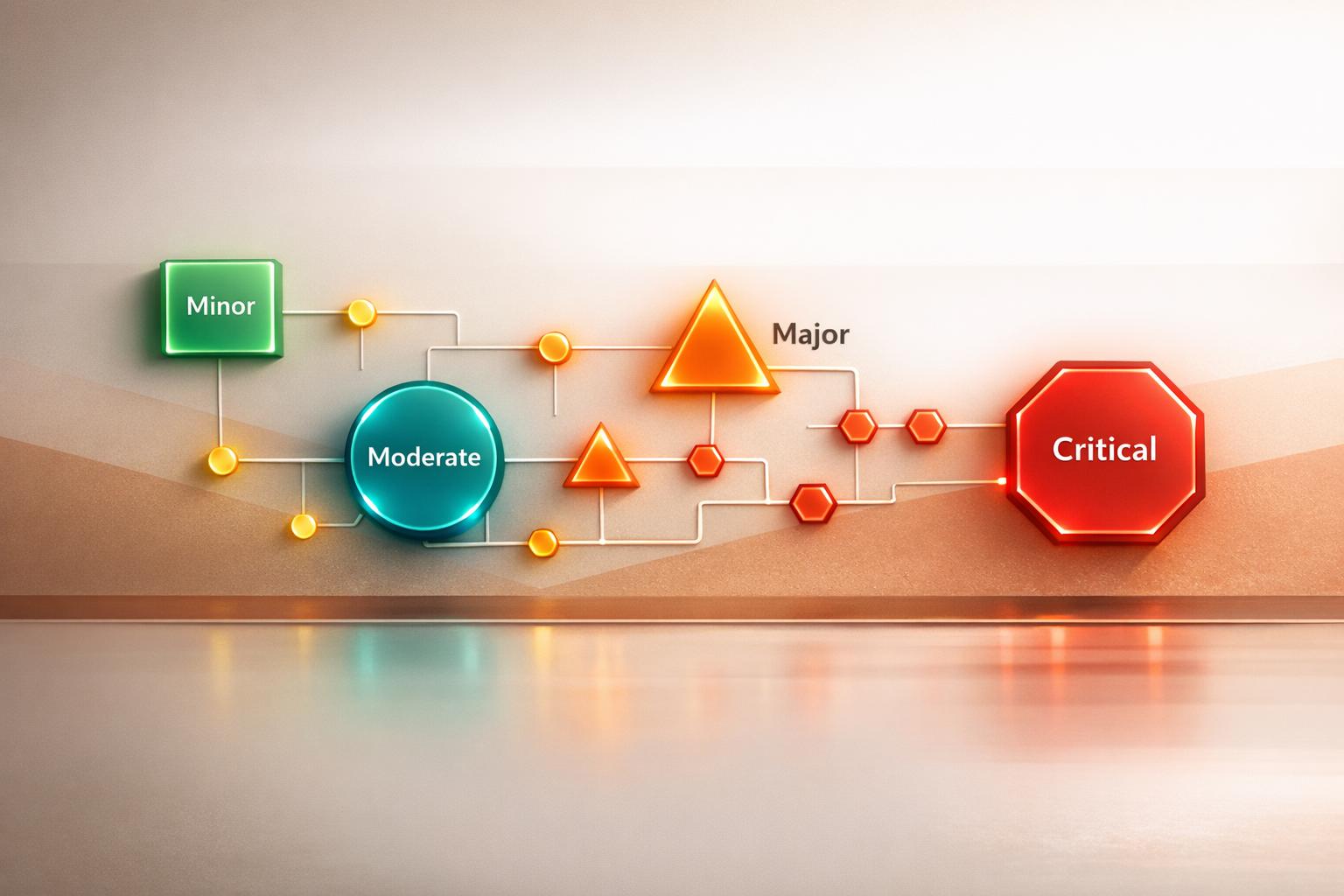
Streamline Your QA Process with a Bug Severity Tool
In software development, not all bugs are created equal. Some are minor annoyances, while others can grind a project to a halt. That’s where a reliable bug assessment tool comes in handy. It offers a structured way to evaluate issues based on their impact, frequency, and the system area they affect. By turning subjective guesses into clear, actionable data, teams can focus on what truly needs attention.
Why Bug Prioritization Matters
For QA teams and developers, sifting through a backlog of issues can feel overwhelming. A system to estimate bug severity helps cut through the noise. Imagine being able to instantly see whether a glitch in the user interface is a low-priority fix or if a security flaw demands urgent action. This kind of clarity saves time, reduces stress, and keeps your product’s quality high. Plus, it fosters better communication between team members by providing a shared framework for decision-making.
Make Smarter Choices
Whether you’re managing a small app or a complex platform, having a method to rank software defects is a game-changer. It’s about working smarter, not harder. With the right insights, you can tackle critical problems first and keep your users happy.
FAQs
How does the Bug Severity Estimator calculate scores?
Great question! The tool assigns numerical weights to each input you provide. For instance, a 'High' impact on user experience gets a weight of 5, while 'Low' is just 1. Frequency and affected area have their own scales too—Rare is 1, Frequent is 3, and Security issues weigh heavier at 3 compared to UI at 1. These values are summed up to give a total score, which then slots the bug into a category like Minor or Critical. It’s a straightforward way to quantify what might otherwise feel subjective.
Can I trust the severity categories for prioritization?
Absolutely, though it’s worth a quick note. The categories—Minor (under 5), Moderate (5-8), and Critical (over 8)—are based on a balanced weighting system that reflects real-world QA priorities. Security bugs or high-impact issues naturally score higher to flag their urgency. That said, your team’s specific context might tweak how you interpret the results. Use the score as a strong starting point, then layer in your project’s unique needs for final decisions.
What if I forget to fill in a field?
No worries—we’ve got you covered. If you skip a dropdown like impact or frequency, the tool won’t calculate a score. Instead, it’ll nudge you with a friendly reminder to complete all fields before proceeding. It’s a small safeguard to ensure the results are accurate and meaningful. Just fill in the missing info, and you’ll be good to go!
Stop babysitting your coding agents. Use Ranger
%201%20(1).svg)
More signals, less noise, faster launches
Let Ranger be your guide to sustainable QA testing.

.png)