%201.svg)
Bug Priority Calculator for Efficient Fixes

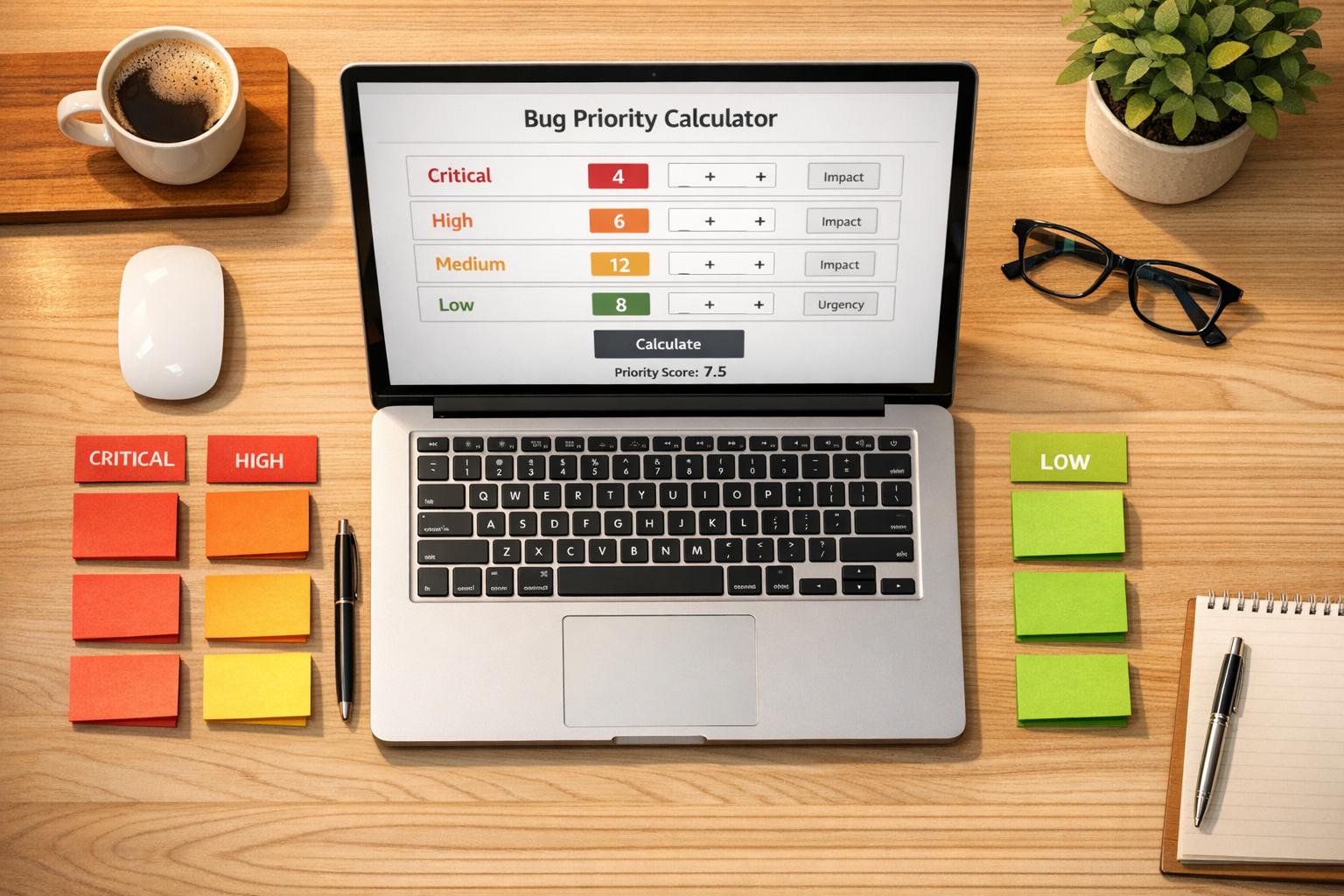
Master Bug Tracking with a Smart Prioritization Tool
Managing software bugs can feel like juggling flaming torches—one wrong move, and everything’s on fire. That’s where a reliable system for ranking issues comes in handy. Whether you’re a solo developer or part of a bustling QA team, having a clear method to assess and prioritize software defects is crucial for meeting deadlines and keeping users happy.
Why Prioritizing Bugs Matters
Not all bugs are created equal. A minor glitch in a rarely used feature shouldn’t steal attention from a critical flaw crashing your app for half your users. By evaluating factors like severity, frequency, and user impact, you can focus your energy where it counts. Tools designed for this purpose simplify the process, turning a messy backlog into a neat, actionable list.
Streamline Your Workflow
Imagine slashing through indecision with a quick, calculated score that tells you exactly which issue to tackle next. Beyond just saving time, this approach boosts team morale by aligning everyone on shared priorities. Plus, it helps ensure your product stays stable under pressure. If you’re ready to take control of your bug backlog, a solution like this could be your secret weapon for smoother releases and happier customers.
FAQs
How does the Bug Priority Calculator determine priority levels?
Great question! The tool uses a scoring system where each input adds points to a total. For example, a critical severity bug gets 5 points, high user impact adds 3, frequent occurrence is worth 2, and a tight deadline contributes another 2. Based on the total score, we assign a priority level—Low, Medium, High, or Critical. It’s a straightforward way to cut through the noise and focus on what matters most.
What if I skip filling out a field in the calculator?
No worries, we’ve got you covered. The tool won’t let you calculate a score until all fields are filled. If something’s missing, you’ll see a friendly error message pointing out what needs to be completed. This ensures the priority score is accurate and based on a full picture of the bug’s context.
Can this tool help with team collaboration on bug fixes?
Absolutely! One of the best things about this calculator is how it creates a shared understanding. When everyone on the team sees the same priority score and rationale, it’s easier to agree on what to tackle first. It takes the guesswork out of discussions, so your developers and testers can spend more time fixing issues and less time debating them.
Stop babysitting your coding agents. Use Ranger
%201%20(1).svg)
More signals, less noise, faster launches
Let Ranger be your guide to sustainable QA testing.

.png)